

Quick answer: check the documented water rating, readable screen, physical controls, secure band and continuous-GPS battery. Then confirm the care required after saltwater, mud and sunscreen. A thick case alone does not make a fishing watch rugged.
Key Takeaways
- “Rugged” is not a universal certification. Check the exact case, glass, water rating, controls, strap and maintenance instructions.
- Water-resistant is the accurate term for most watches. A 5 ATM rating does not by itself make a watch a dive computer or authorize every high-pressure water activity.
- Saltwater and sunscreen should be removed with low-pressure fresh water, followed by complete drying before charging.
- Peak brightness matters in sun, but glare, viewing angle, interface contrast and battery settings also determine readability.
- Battery estimates are scenarios, not promises. Continuous GPS, Always-On Display, calls and frequent screen use shorten runtime.
1. “Rugged” Should Describe a System, Not a Style
“Rugged” is not a universal certification. Fishing tests the whole system: water rating, glass, buttons, band, charging contacts and battery. Define the real trip—fresh or salt water, likely impacts, gloves, glare and duration—then match each need to a documented limit.
2. Read Water-Resistance Ratings Without Turning Them Into Dive Claims
Most consumer watches are water-resistant, not absolutely waterproof. An ATM rating comes from defined test conditions; motion, impact, temperature and aging seals can change real exposure. A 5 ATM label does not authorize scuba, high diving or pressure washing.
Use the maker's current manual to decide allowed activities. The ISO 22810 overview explains why general water resistance and diving-watch requirements are different.
| Exposure | Question to ask | Why the label alone is not enough | Conservative action |
|---|---|---|---|
| Rain and hand washing | Does the maker include everyday splashes? | Soap and chemicals can be a separate concern from clean water | Rinse residues and dry the watch |
| Boat spray or wading | Is the model intended for active days around water? | Repeated wetting, impacts and grit increase wear | Keep closures secure and inspect the band |
| Swimming | Does the manufacturer explicitly list swimming? | Stroke movement creates changing pressure and water flow | Follow the model-specific activity guidance |
| Saltwater | What rinse and drying care is required? | Salt residue can remain around gaps, buttons and contacts | Rinse with low-pressure fresh water promptly |
| High-pressure jet | Is pressurized water allowed? | A concentrated jet is different from static test pressure | Avoid unless the maker explicitly approves it |
| Diving | Is it a purpose-built dive watch or dive computer? | Depth, gas, timing and safety functions require specific equipment | Do not infer diving capability from 5 ATM |
3. Saltwater Resistance Still Requires Maintenance
A water rating does not mean salt, sunscreen, fish slime or dried mud can remain on the watch indefinitely. Salt crystals and debris can collect around buttons, speaker openings, band hardware and charging contacts. Sunscreen and insect repellent may also affect finishes or plastics. That makes aftercare part of durability rather than an optional cosmetic step.
Garmin’s device-care instructions call for a fresh-water rinse after saltwater, chlorine and harsh substances, followed by drying. Apple’s water-resistance guidance also notes that resistance can diminish over time. These are general care principles; current WalkerFit instructions still govern its watch.

Do not use sharp tools, compressed air or a damp charging puck. If controls feel gritty after exposure, use approved cleaning guidance. Inspect the case and band after a hard impact; age and damage can change present resistance.
4. A Fishing Display Must Work in Sun, Spray and Darkness
Peak brightness is a useful specification, but it is only one part of visibility. Reflections from open water can be stronger than the light on a shaded trail. Droplets scatter light, sunglasses can change contrast and a complicated watch face takes longer to interpret. An outdoor smartwatch should make the few important items—time, recording status, direction and battery—clear at a glance.
Test the screen at different angles in direct sun. Increase brightness only as far as needed, because the display is a major battery consumer. Use a high-contrast face with large fields during the trip, and disable decorative complications that make information harder to find. At night, check that the lowest usable brightness will not destroy dark adaptation or distract other people on a boat.

Always-On Display reduces wake gestures but costs runtime. Raise-to-wake may save power yet feel awkward with occupied hands. Physical buttons help with wet or cold fingers, but underwater use still depends on model instructions.
5. Buttons, Straps and Fit Decide Whether the Watch Stays Useful
Fishing is a poor time to navigate a tiny menu. Before leaving, practice starting and stopping route recording, locking the screen, opening the compass, checking battery and returning to the main face. If these actions require a phone, know that before the phone is sealed in a dry bag. If they depend on touch, try them with damp fingers and the gloves you actually wear.
Band material affects comfort and care. Silicone is easy to rinse; steel can feel heavier and hold grit between links; fabric may stay wet longer. Fit should prevent rotation without compressing skin for hours.
- Try essential actions with damp hands and trip-specific gloves.
- Inspect pins, buckle, keeper and strap holes.
- Wear the watch snugly without trapping moisture or causing abrasion.
- Keep openings clear of grit and let them dry naturally.
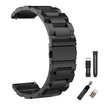
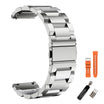
A common 22 mm quick-release format can make replacement easier, but compatibility is not only width. Check pin length, lug shape, material, buckle and wrist range. Carrying a spare band can be sensible on travel, but it does not replace inspecting the installed one before every trip. The WalkerFit watch-band collection is a starting point for compatible options.
6. GPS and Battery Life Must Match the Longest Part of the Trip
Battery claims describe particular test scenarios. “Typical use” may include limited screen wakes and short workouts. Continuous GPS holds satellite positioning active for much longer. Always-On Display, high brightness, Bluetooth calls, frequent notifications, cold weather and repeated interaction can reduce runtime further.
Plan around the feature you cannot afford to lose. If route recording is important for the walk in and out, do not start a day near empty because the general daily-use estimate sounds long. Charge the night before, confirm the percentage at departure and define a reserve. If battery falls faster than expected, reduce nonessential display time and connected features before turning off the function needed for the return.

7. How Motion 6 GPS Fits This Checklist
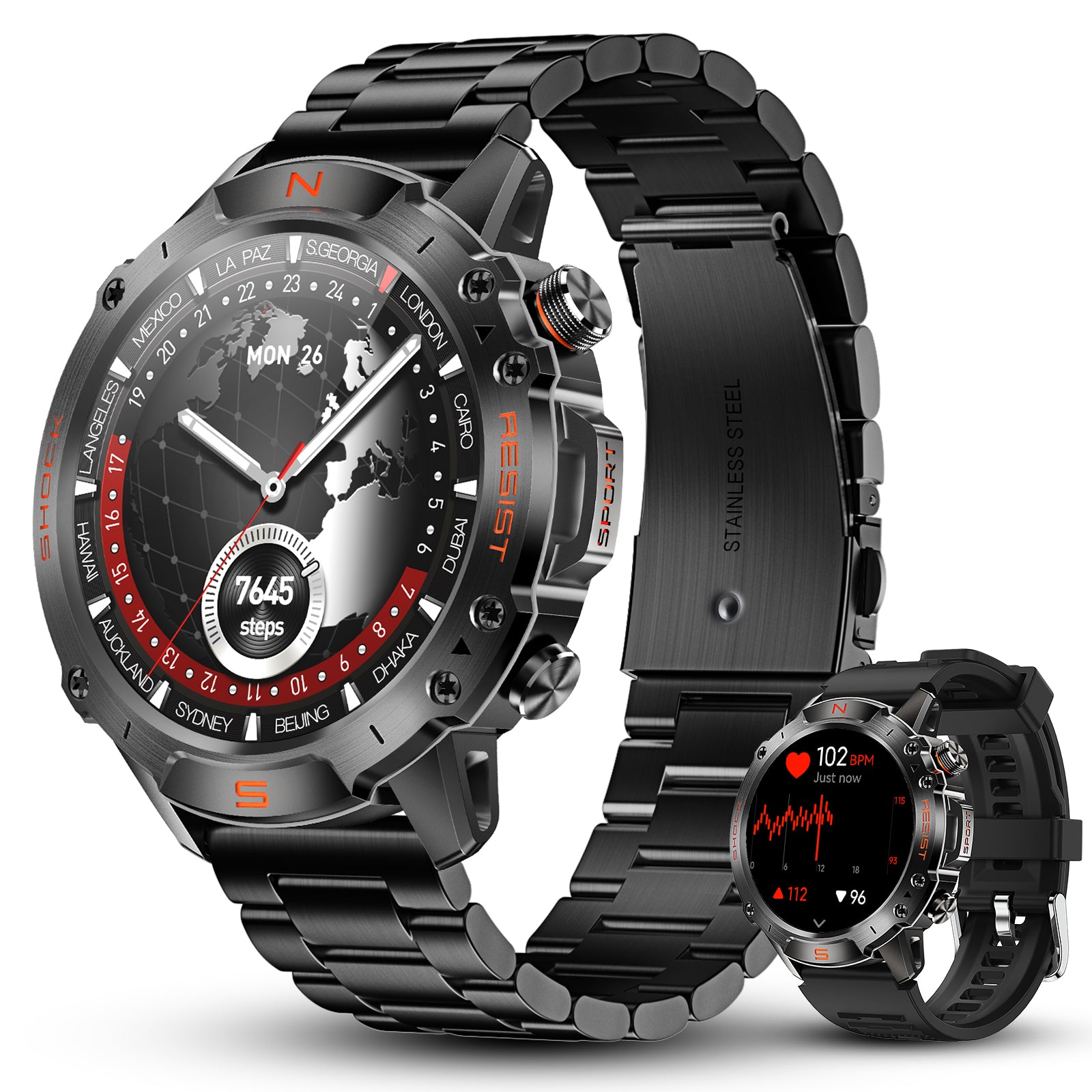
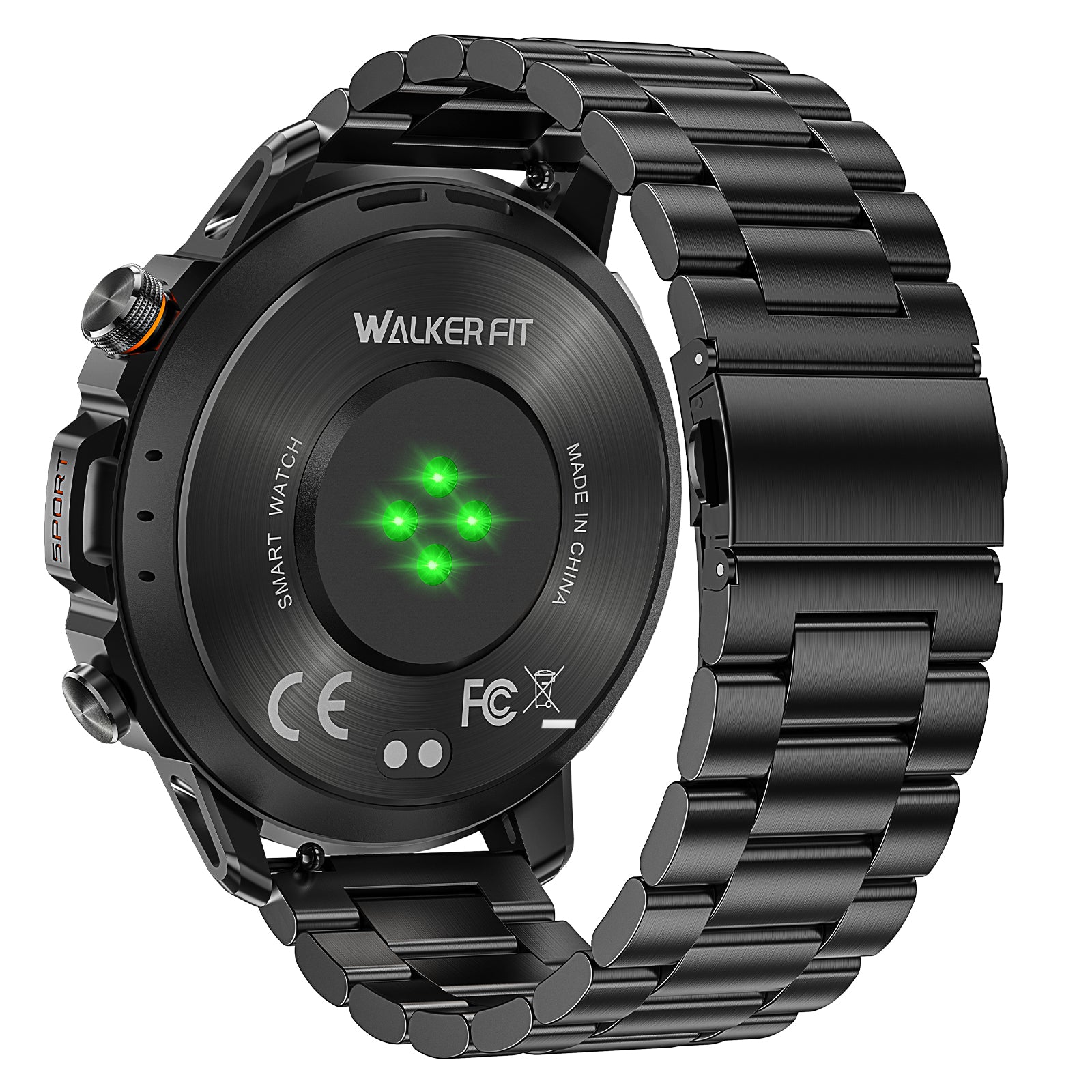
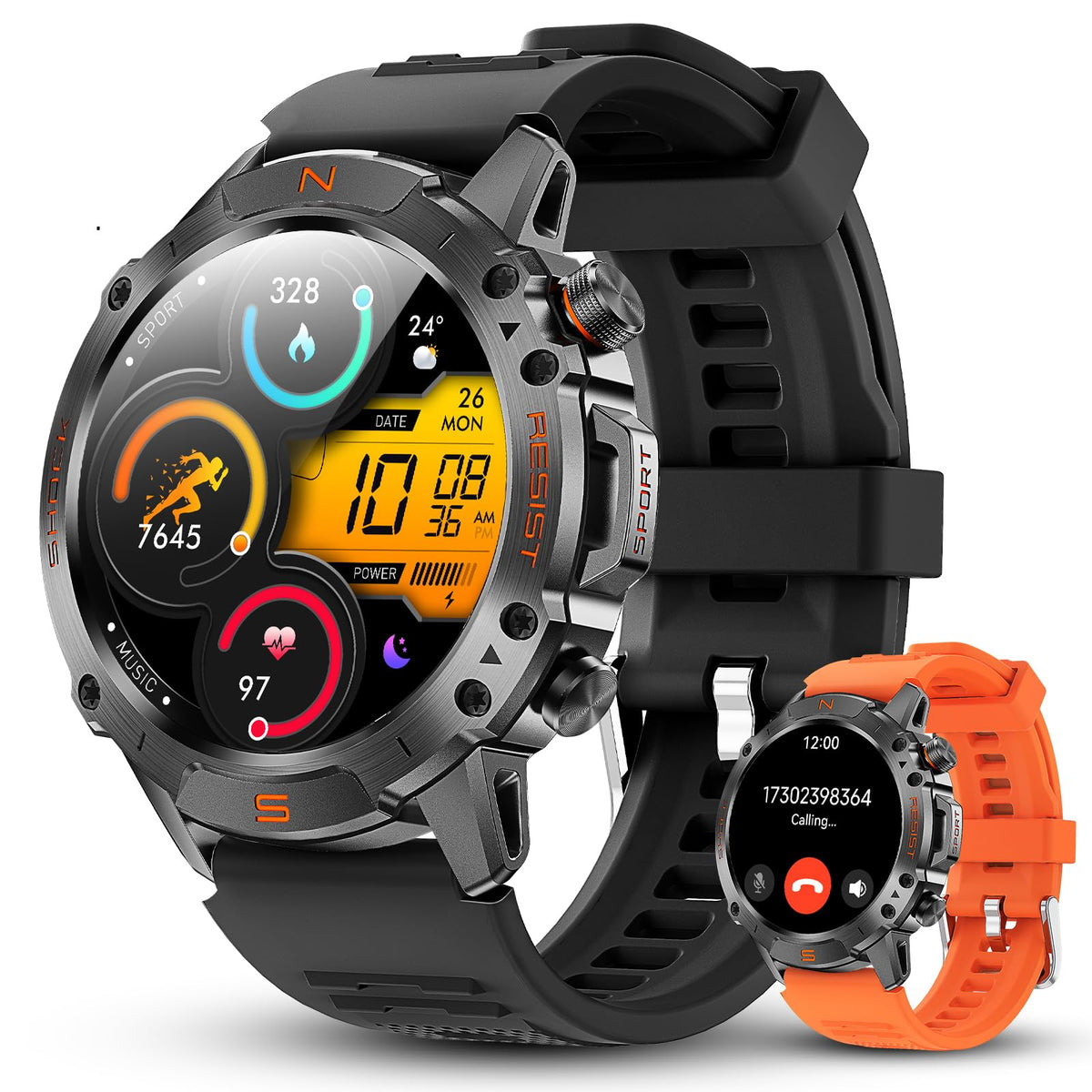
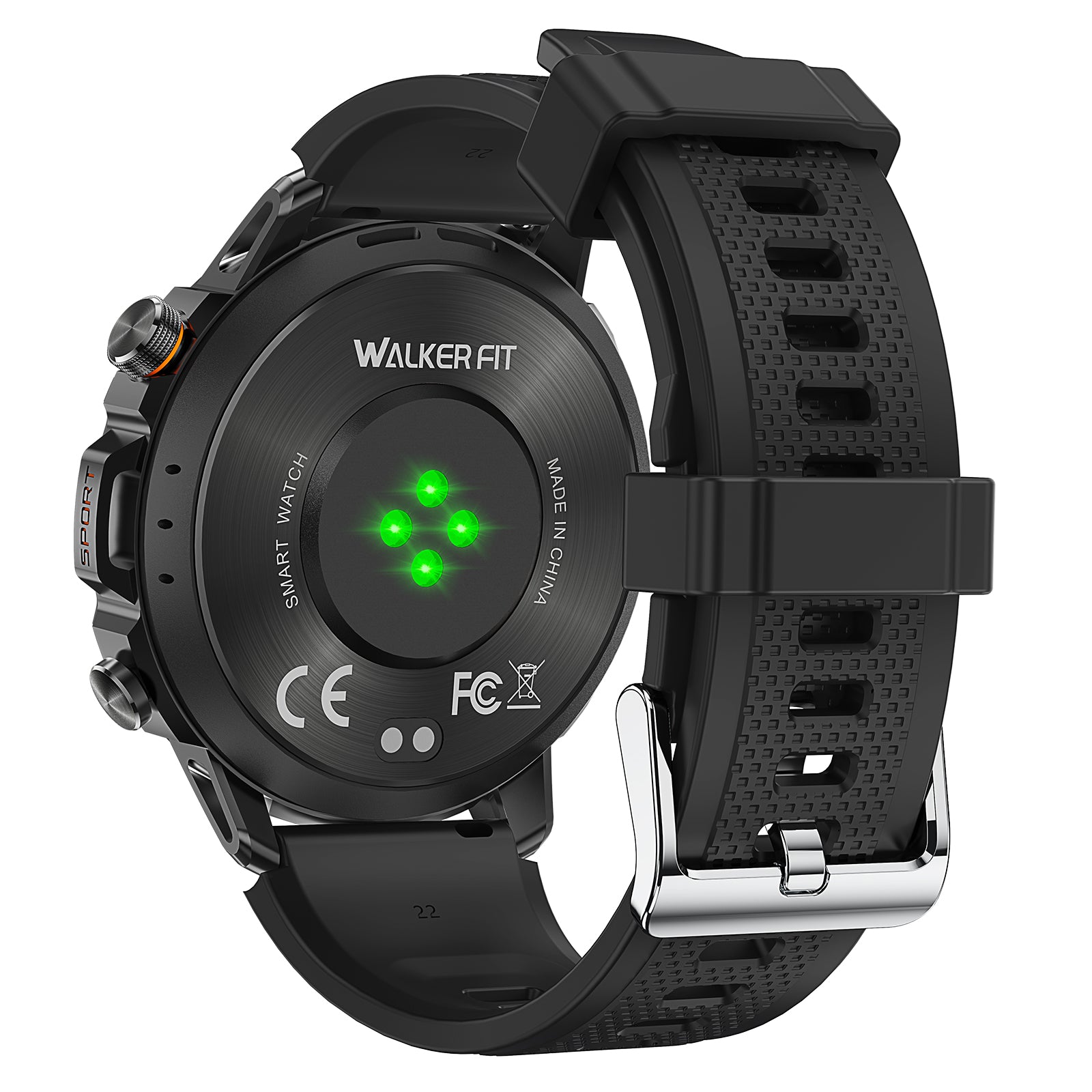
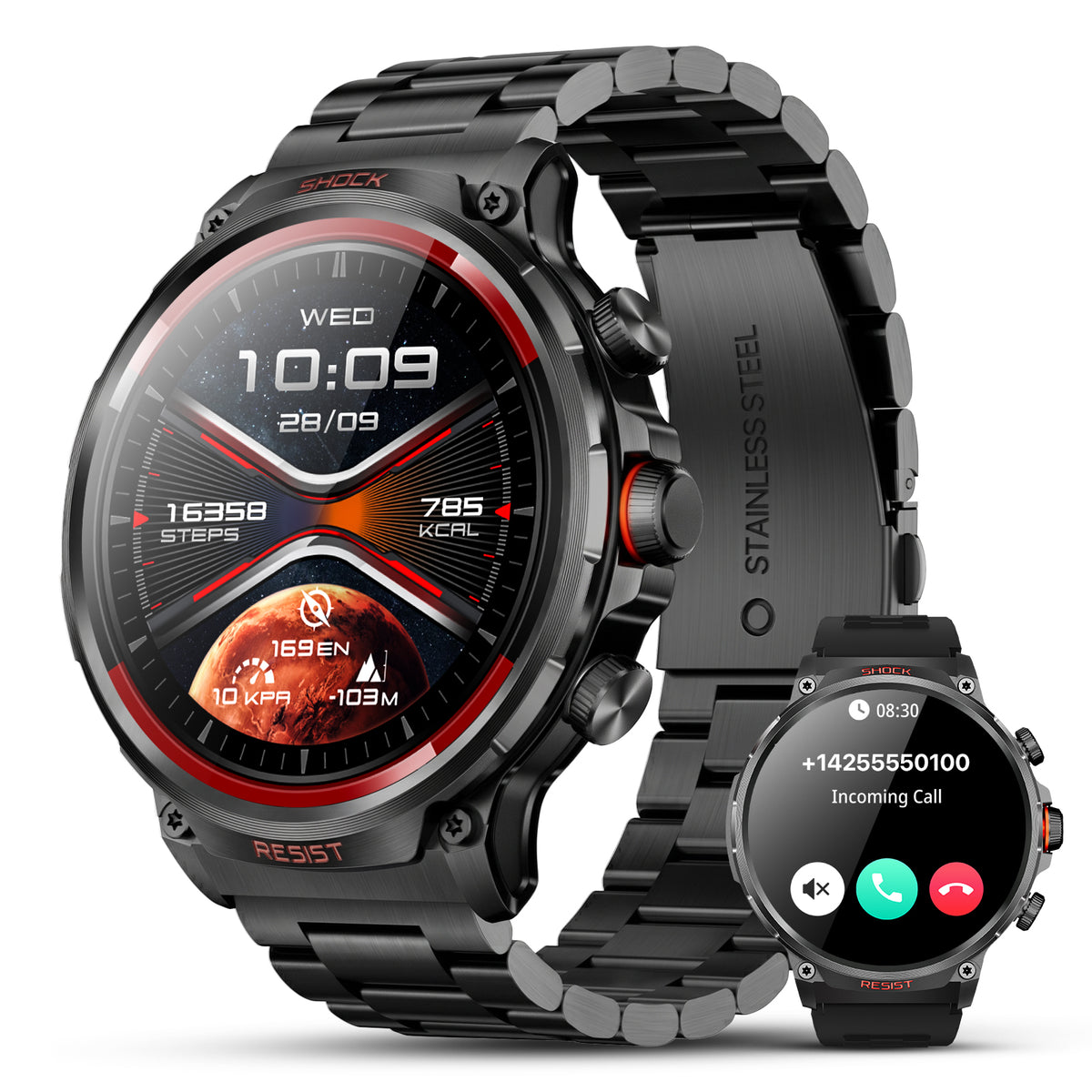
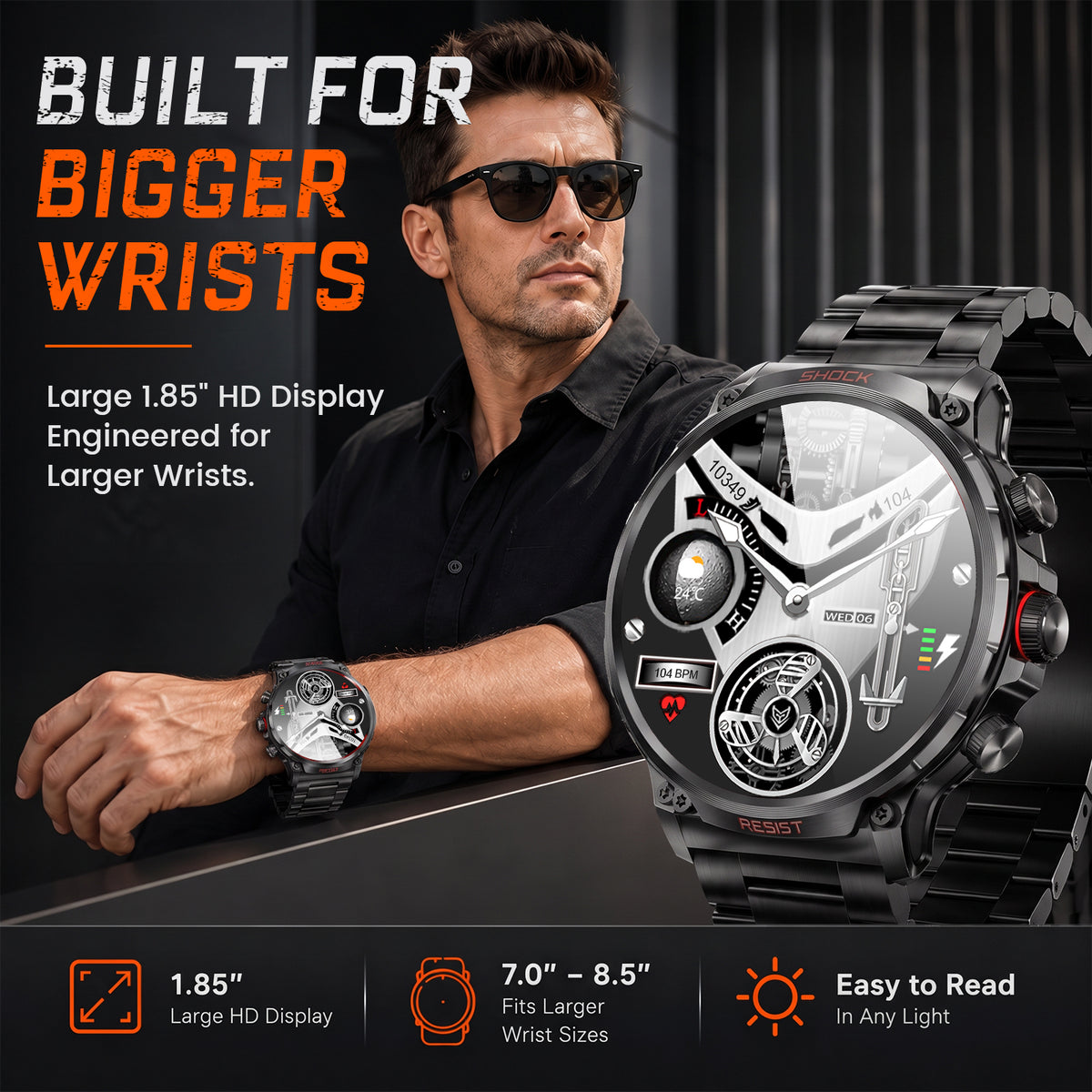
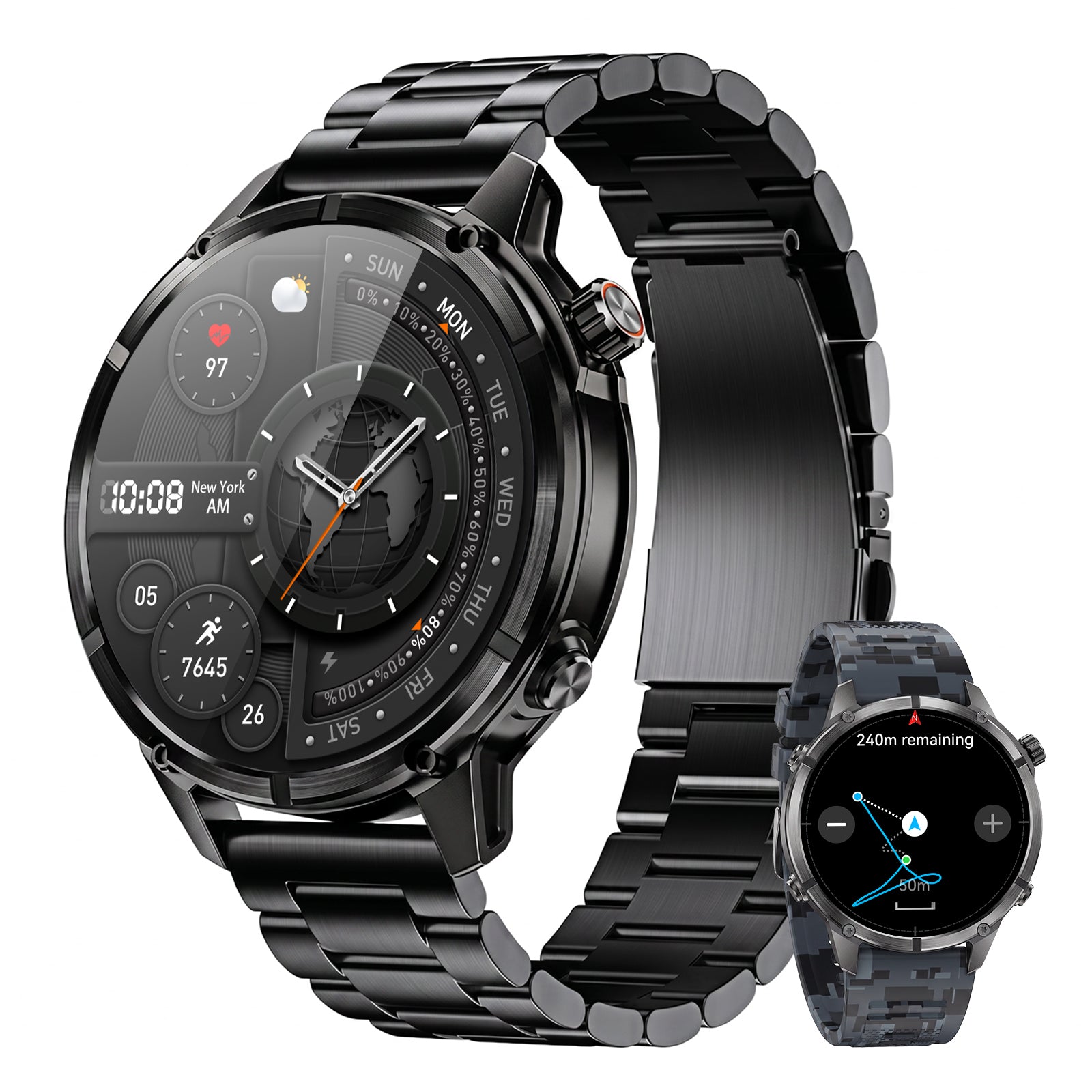
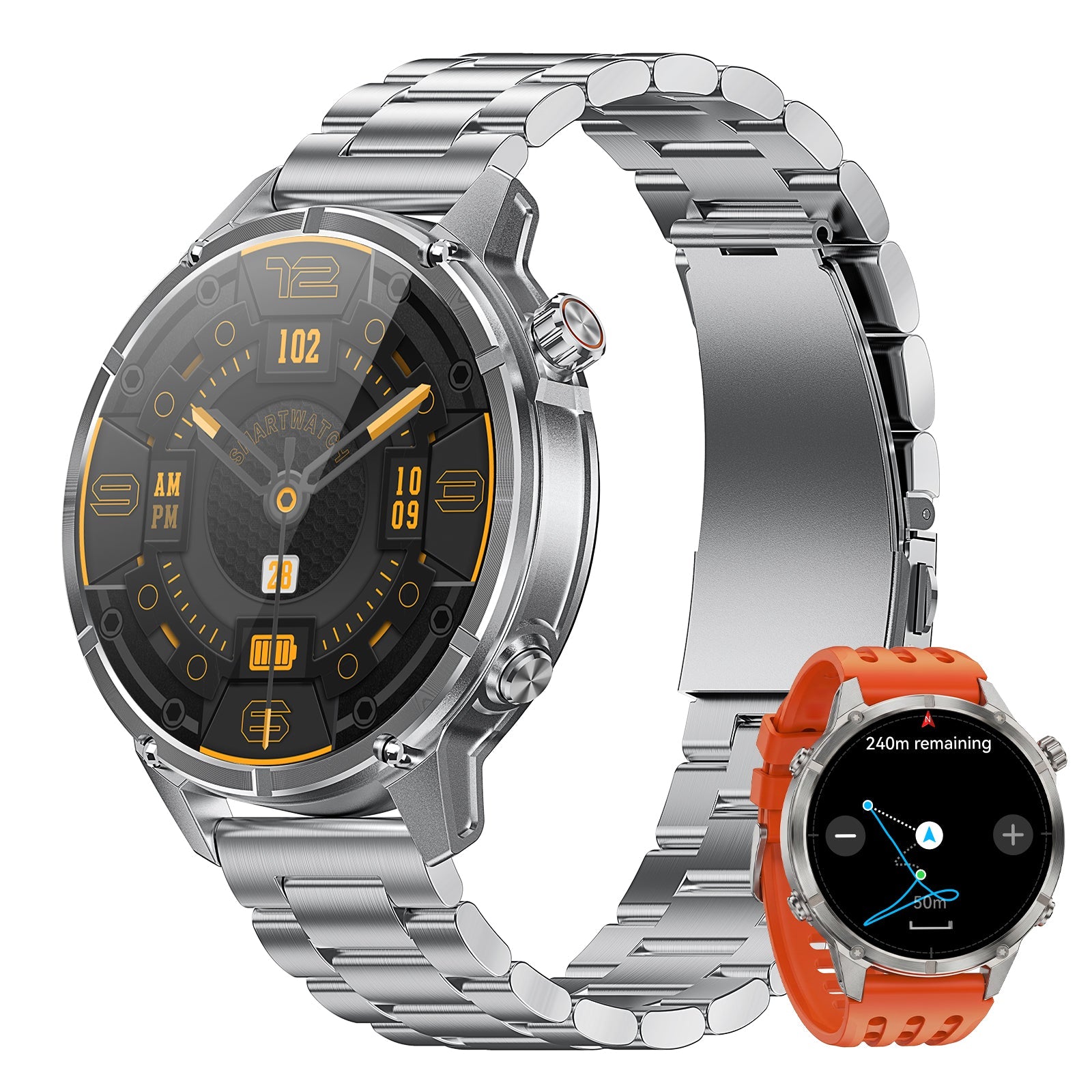
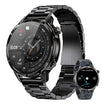
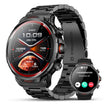
The WalkerFit Motion 6 GPS combines a zinc-alloy case, Panda Glass touchscreen, 5 ATM water resistance, four physical buttons and 22 mm quick-release stainless-steel and silicone band options. Its 1.43-inch AMOLED display has a 466 × 466 resolution and peak brightness up to 1,000 nits. These are relevant specifications for outdoor visibility and control; they do not make the device impact-proof or maintenance-free.
For trip recording, Motion 6 GPS has built-in support for GPS, Galileo, GLONASS, BeiDou, QZSS and NavIC, plus compass, barometer, altimeter and route records. The current official specifications list a 520 mAh battery with up to 14–15 days of typical use, 9–10 days of heavy use, 5–6 days with Always-On Display and 20–24 hours of continuous GPS use. Actual results vary with settings, signal conditions, temperature and behavior.
Its 5 ATM rating is positioned for swimming, rain, sweat and active days around water. This article does not describe it as a diving watch, a high-pressure-water device or immune to salt residue. Rinse after saltwater exposure, dry it fully before charging and follow current product instructions. For selection across the wider category, see the best fishing watch guide and the WalkerFit comparison page.

Motion 6 GPS
Built-in multi-satellite GPS and route recording, 5 ATM water resistance, four physical buttons, 1.43-inch AMOLED display up to 1,000 nits, and outdoor sensors for long days beyond the road.
$129.90$162.38
8. Use a Two-Minute Post-Trip Care Routine
Good care is inexpensive durability. Make the routine automatic before putting rods away or connecting a charger.
- Inspect. Check the case, glass, band pins, strap and buttons.
- Rinse when needed. Use low-pressure fresh water after salt, chlorine, mud or residue.
- Dry completely. Let openings, band gaps and charging contacts air-dry.
- Charge and store dry. Avoid damp tackle bags, harsh tools, pressure jets and extreme heat.
If the watch suffered a hard strike, the case opened, a seal appears damaged or the controls behave abnormally, stop treating the original rating as proof of present condition. Contact support through the WalkerFit contact page and check the official FAQs rather than testing the watch in deeper water.
9. Rugged Smartwatch Buying Checklist for Anglers
- Define exposure: rain, spray, wading, swimming, saltwater, cold, mud and likely impacts.
- Verify the rating: read the exact water-resistance statement, approved uses and exclusions.
- Check the viewing task: evaluate glare, brightness, font size, interface contrast and nighttime dimming.
- Try the controls: start core functions with damp hands and the gloves you will wear.
- Inspect the band: confirm material, 22 mm or other width, quick-release fit, buckle and wrist range.
- Separate battery modes: compare typical, heavy, AOD and continuous-GPS figures instead of one headline number.
- Confirm navigation scope: route recording is not automatically maps, waypoints, turn-by-turn navigation or emergency rescue.
- Read care guidance: know how to handle saltwater, chemicals, wet buttons and charging contacts.
- Buy for the trip: a simpler reliable watch can be better than a feature-heavy model whose limits do not match your routine.
For planning beyond hardware, read the fishing forecast guide, the fishing-tide tutorial, the tide watch guide and the barometric-pressure guide. Each addresses a different decision; no rugged smartwatch replaces official weather, water or safety information.
10. The Practical Verdict
A rugged waterproof smartwatch for fishing should be judged by evidence, not styling. Look for a documented water rating, materials suited to repeated outdoor wear, controls you can use under realistic conditions, a secure and washable band, a screen that remains legible in glare, and battery estimates tied to the GPS and display modes you need.
Maintenance completes the system. Fresh-water rinsing after salt exposure, gentle cleaning, full drying and regular band inspection preserve usefulness better than relying on the original label forever. A well-chosen watch makes important information easier to reach; it does not remove the need for a phone, official forecast, safe route and conservative judgment.
Frequently Asked Questions
Q1: Is a 5 ATM smartwatch waterproof for fishing?
It is more accurate to say water-resistant. A 5 ATM rating can support manufacturer-approved activities around water, but it does not automatically cover scuba diving, high-pressure jets or every depth-based activity. Follow the specific product guidance.
Q2: Can I wear a rugged smartwatch in saltwater?
Only if the manufacturer allows the intended water activity. Saltwater exposure still requires care: rinse the watch with low-pressure fresh water, remove residue and let it dry completely before charging.
Q3: Should I press smartwatch buttons underwater?
Do not assume that physical buttons are approved for underwater use. Some manufacturers explicitly advise against pressing them underwater. Check the current instructions for the exact model.
Q4: Is a bright AMOLED display always easy to read in sunlight?
Peak brightness helps, but reflections, viewing angle, sunglasses, water droplets and interface contrast also matter. Test the screen outdoors and use a simple high-contrast face.
Q5: What band is best for a fishing smartwatch?
A washable silicone band is practical for wet trips, while metal and fabric have different comfort and drying tradeoffs. Security, fit, pin condition and buckle quality matter more than one universal material.
Q6: How much battery does GPS use on a smartwatch?
Continuous satellite recording usually uses much more power than occasional daily checks. Compare the manufacturer’s continuous-GPS estimate with typical, heavy and Always-On Display figures, then protect a reserve for the return trip.
Q7: Is Motion 6 GPS a diving watch?
This article does not describe it as a diving watch. Motion 6 GPS has 5 ATM water resistance for stated activities such as swimming and everyday exposure around water; it should not be treated as dive equipment or used to infer scuba capability.