

Fishing gear guide · Updated September 2026
Tide Watch for Fishing: What It Shows and When You Still Need an App
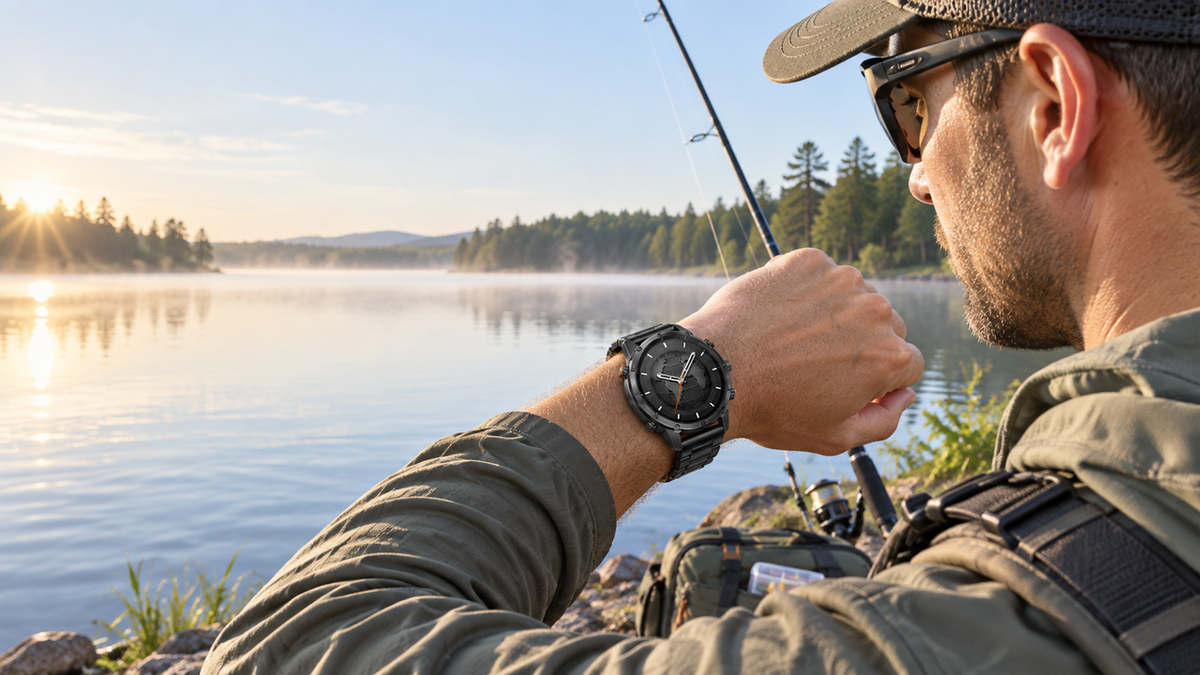
A tide watch can put high tide, low tide, time and water-height information where you can glance at it. But “tide watch” covers several product types: a simple digital tide watch, a marine-focused GPS watch, and a general smartwatch that may rely on a phone or app. The right choice depends on whether you need a quick reference or a complete, location-specific tide plan.
Key Takeaways
- A tide watch is only useful when its station, location, date and time zone match the water you plan to fish.
- High and low tide times are not the same as current speed, tidal flow or a complete fishing forecast.
- Traditional tide watches are simple and dependable for quick checks; apps offer broader station coverage, charts and updates.
- Do not assume every smartwatch displays tides. Verify the exact source, sync method and offline behavior.
- WalkerFit Motion 6 GPS is best evaluated as a general outdoor GPS smartwatch; this article does not claim it has a built-in tide table.

1. What Does a Tide Watch Usually Show?
Most tide watches present a compact version of a tide table. Depending on the model, you may see the next high tide, next low tide, approximate water height, the current position in the tidal cycle, moon information or a graph of the day. Some products show a simple tide curve; others are built around a chosen coastal station.
Read the screen as a planning reference. A “high tide” label tells you when a predicted high-water event is expected at the selected station. It does not tell you whether bait is present, whether a channel is safe to cross or whether fish will bite.
Simple display, narrow job
A traditional tide watch can be valuable because it is quick, low-maintenance and easy to check with wet hands. Its trade-off is limited context: fewer locations, less map detail and little room for forecast layers. If you fish several coastlines, the station database and update process deserve as much attention as the case and strap.
2. Why Station, Location, Date and Time Zone Matter
Tide predictions are tied to a reference location. NOAA’s tide-prediction service lets users select a station and a time zone; its help documentation also explains that subordinate stations may use time and height adjustments from a reference station. That is why two nearby-looking locations can show different times or heights.
When a forum post says a tide time is “off,” the cause may be station selection, a different tidal datum, a stale sync, daylight-saving conversion or a comparison between predicted and observed water levels. Record the exact station name when sharing a plan with a fishing partner.
3. Tide Height, Tide Trend and Current Are Not the Same
| Term | What it describes | What it does not prove |
|---|---|---|
| High / low tide time | Predicted times of a local high or low water event | Exact fish activity or safe passage |
| Tide height | Predicted water level relative to a stated datum | Wave height, swell or storm surge |
| Rising / falling trend | Whether the tide is moving toward high or low water | Current speed at every part of a creek or inlet |
| Tidal current | Water movement, often affected by channel shape and local conditions | A number supplied by every tide watch |
This distinction matters around inlets, bridges, rocks and shallow flats. A watch may show a tide cycle while a current atlas, local station or marine forecast is needed for flow and safety decisions. Treat the tide display as one input in your plan.

4. Tide Watch vs Marine GPS Watch vs Phone App
| Product type | Best for | Check before buying |
|---|---|---|
| Traditional tide watch | Fast, simple high/low reference | Station coverage, battery, water-use instructions and setting process |
| Marine GPS watch | Anglers who also need navigation or a marine ecosystem | Charts, route features, subscriptions, external sensors and offline behavior |
| General outdoor smartwatch | People combining fishing with GPS activities, health tracking and notifications | Which features are built in, which need a phone, and whether tide data is actually supported |
| Phone tide app | Broad station search, charts, forecasts and sharing | Signal, battery, waterproof protection and the source behind the predictions |
Search results for “tide watch” often mix these categories. Compare the function you need rather than the label. If tide data is the deciding feature, ask where the data comes from, how a station is selected and how often the device or app syncs.
5. Offline, GPS and Phone Connection Limits
Built-in GPS and tide data solve different problems. GPS can determine or record location when the watch supports it; it does not automatically create a tide table. Conversely, a tide watch may show stored predictions without knowing your exact position. A connected app may use the phone for station lookup, data refresh, notifications or map display.
- At home: choose the exact station and date, then sync the watch or app.
- At the launch: confirm the displayed local time and that the selected station matches the fishing area.
- On the water: use the watch for quick reference, but keep the phone or official marine source available when the decision depends on current, weather or navigation.
6. Where the WalkerFit Motion 6 GPS Fits
Motion 6 GPS: a general outdoor smartwatch, not a tide-table claim
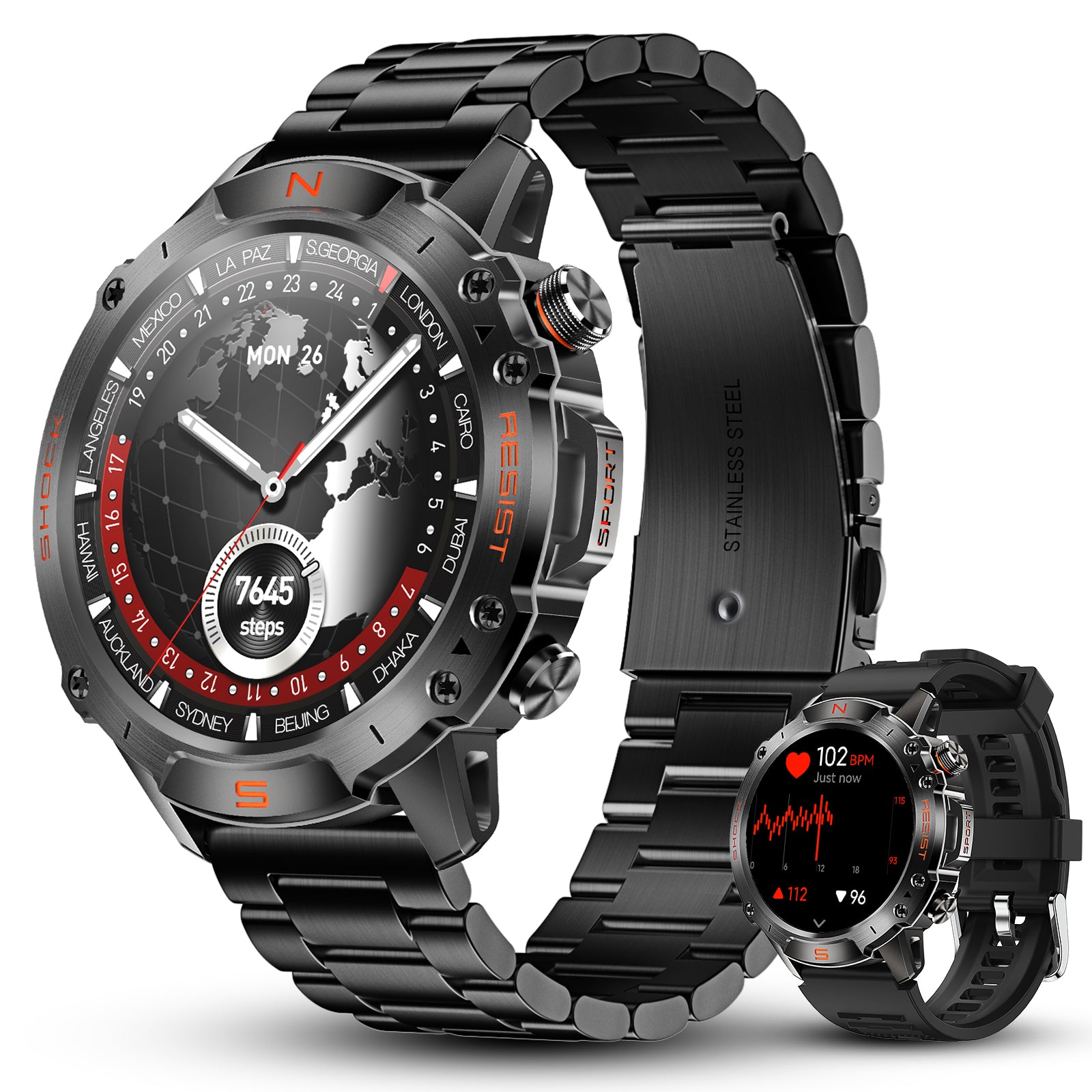
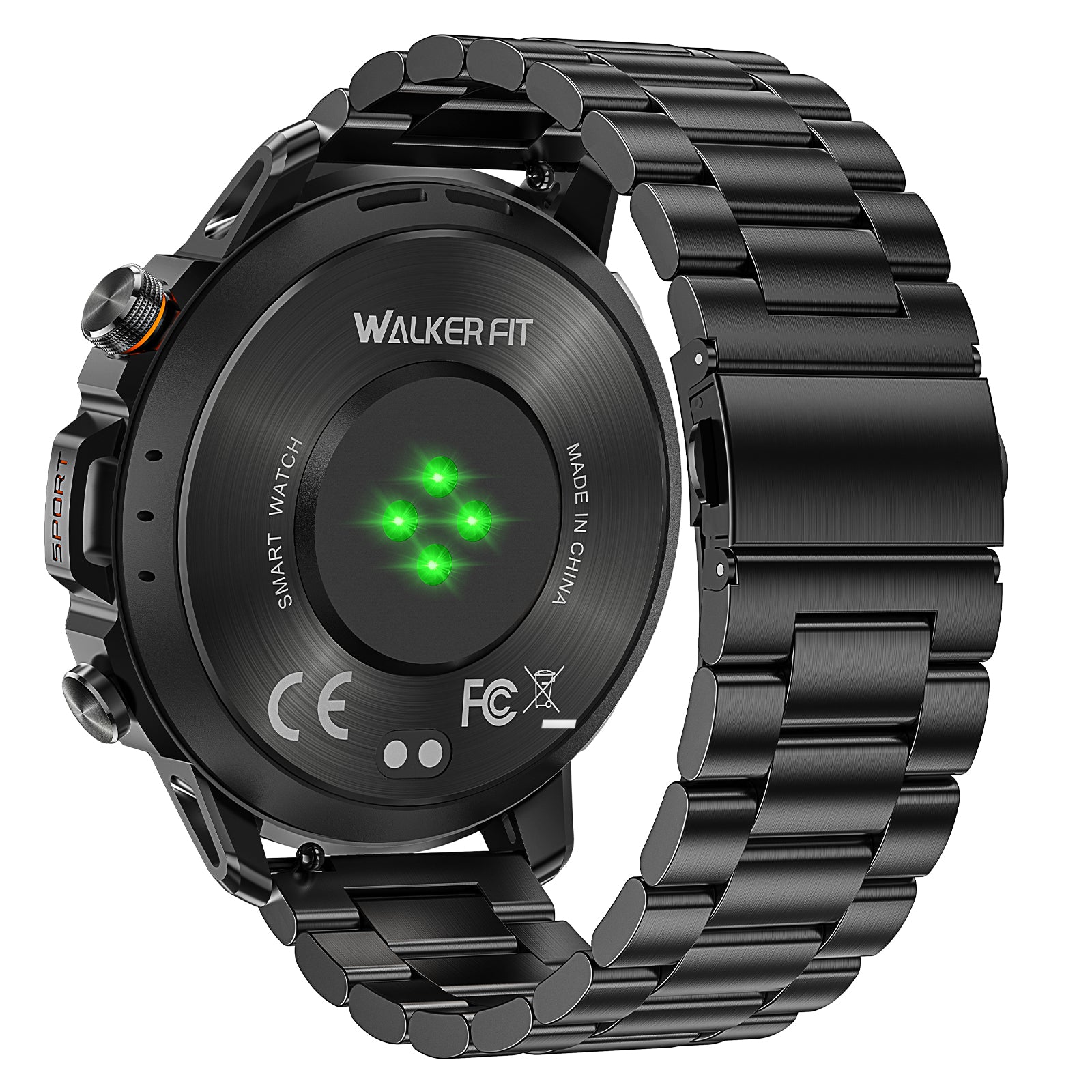
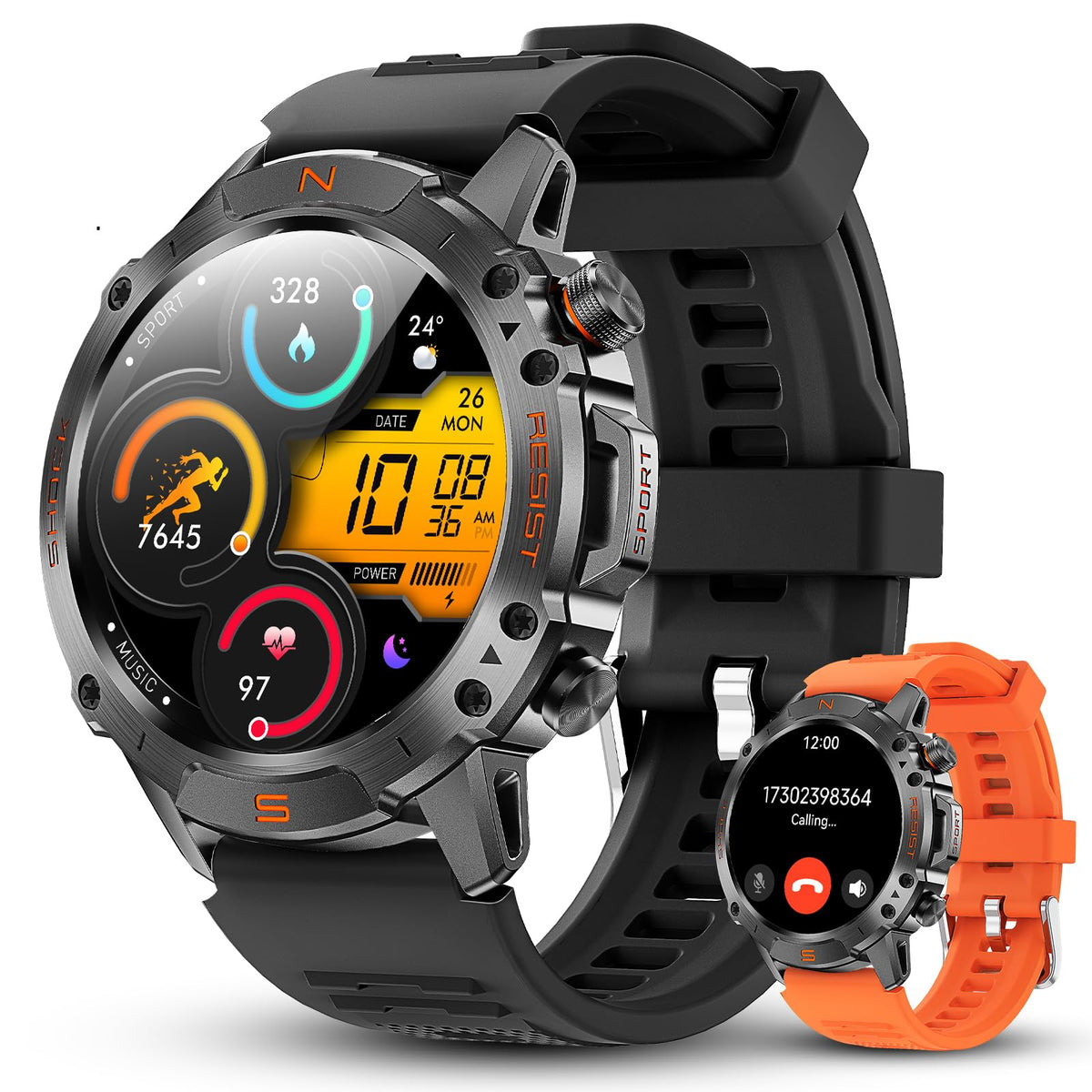
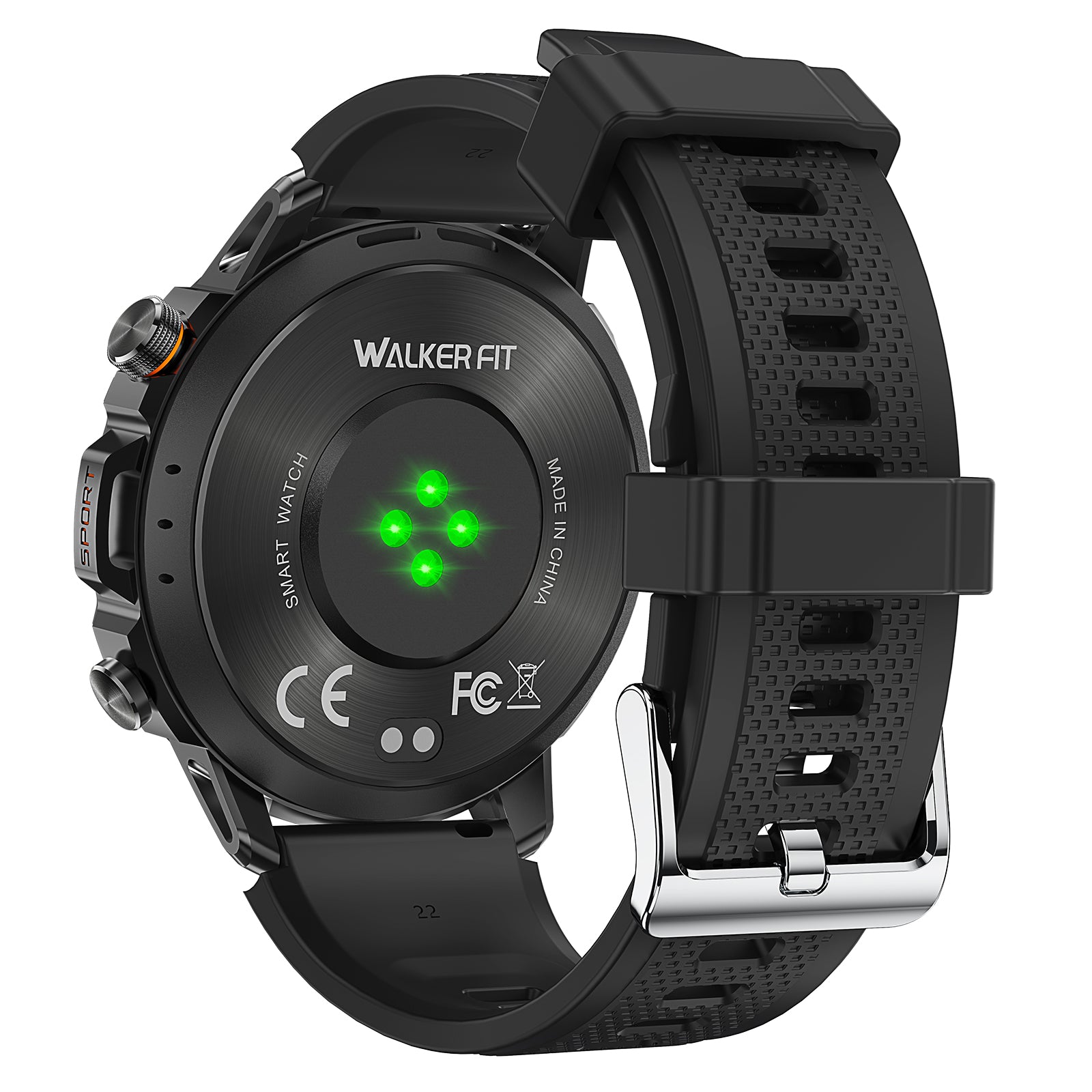
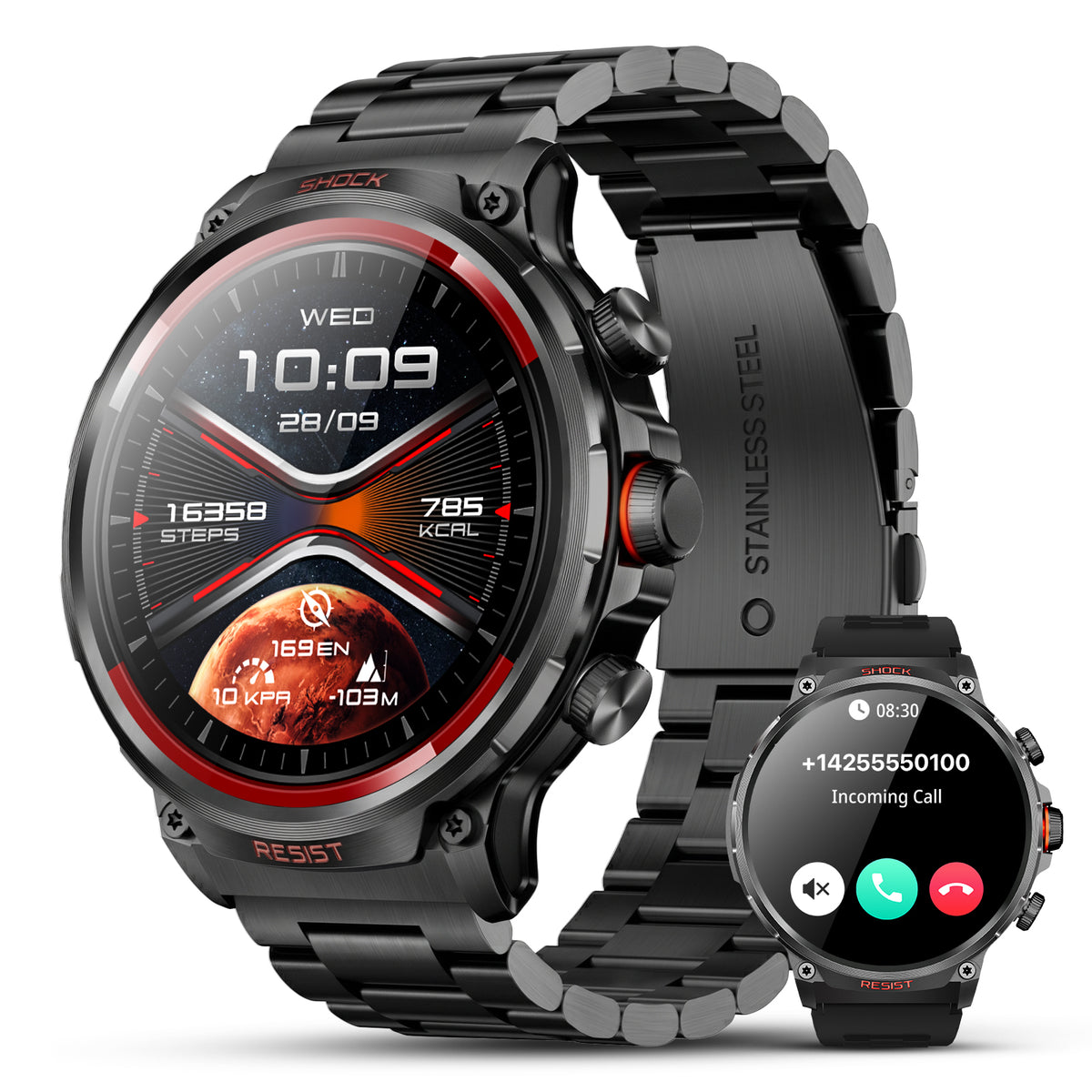
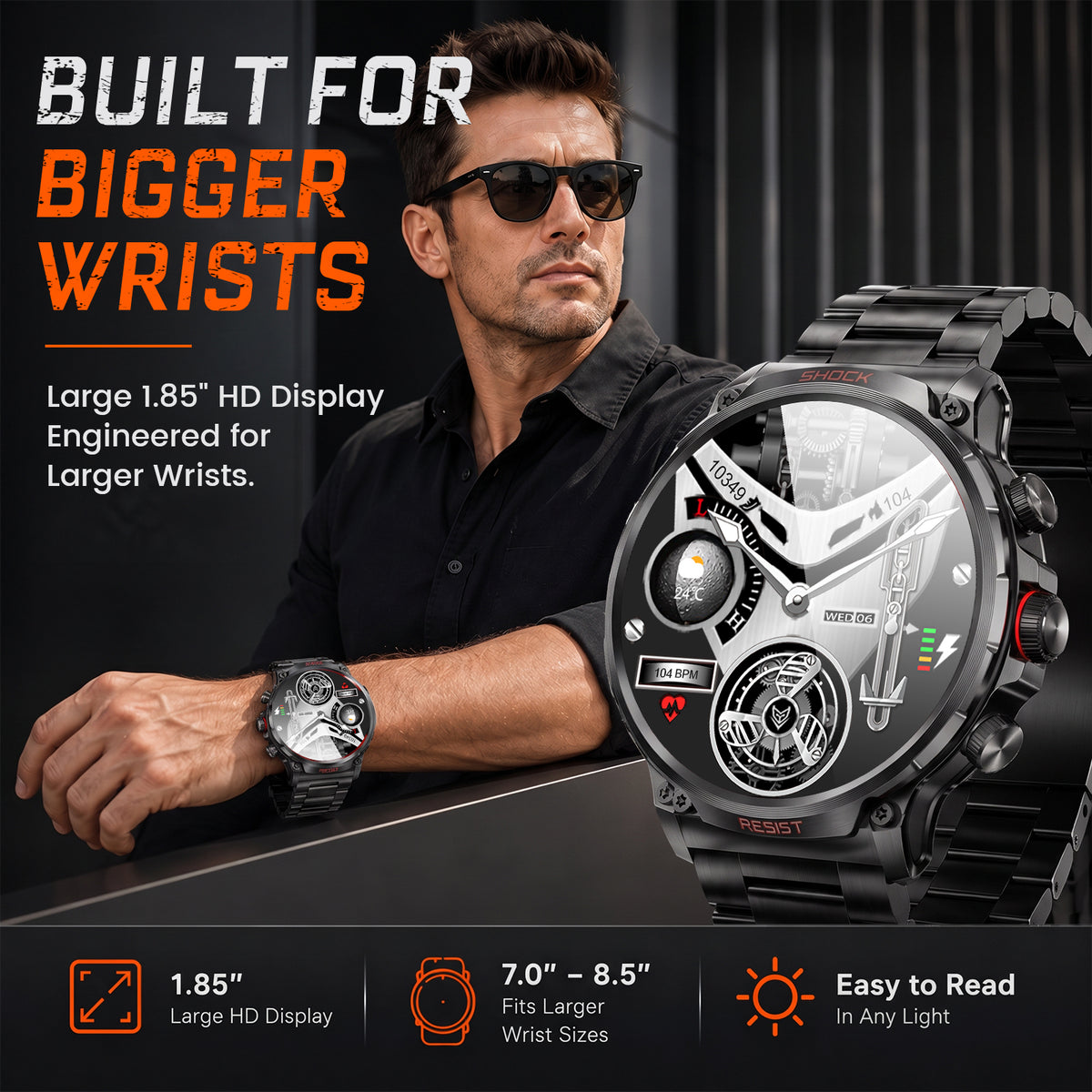
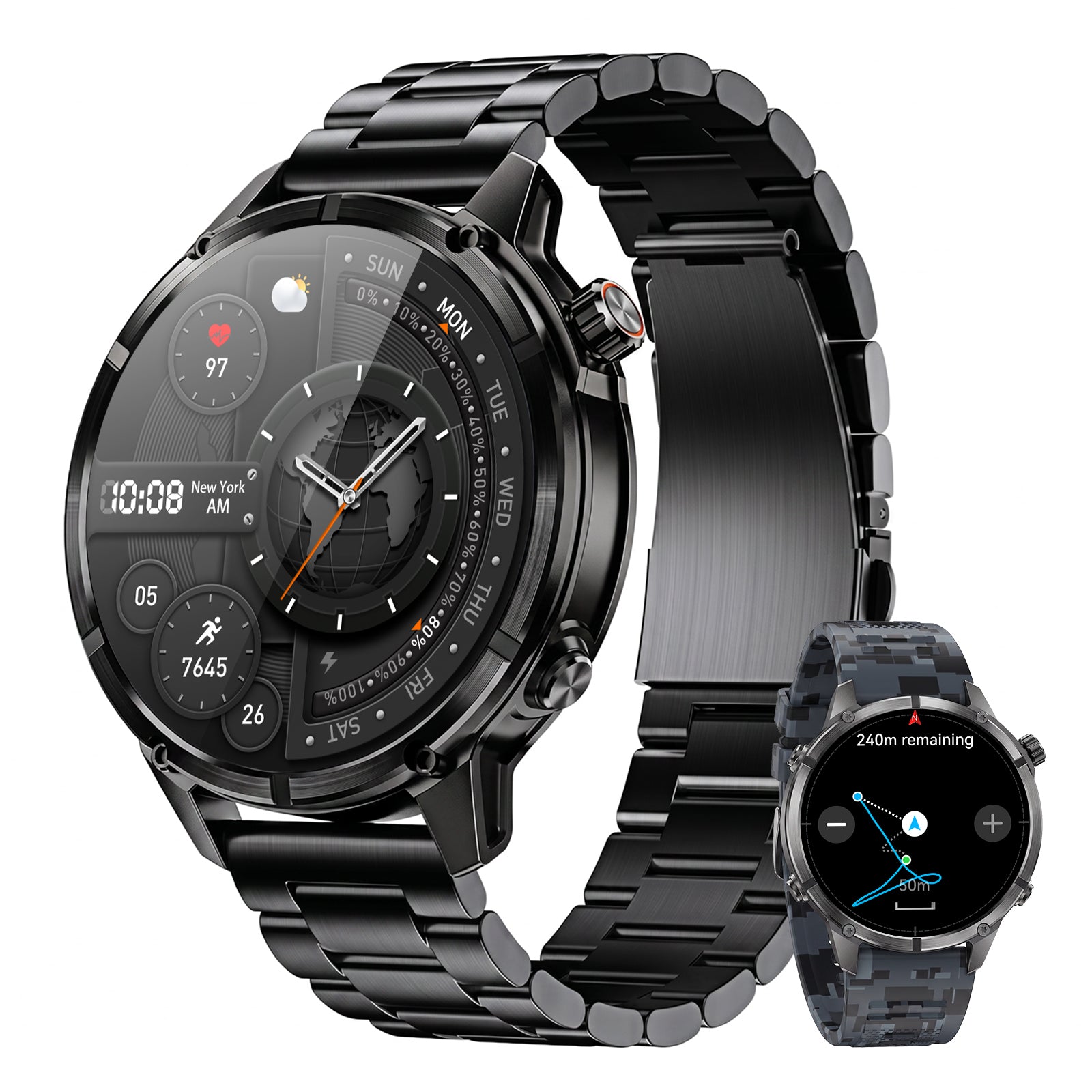
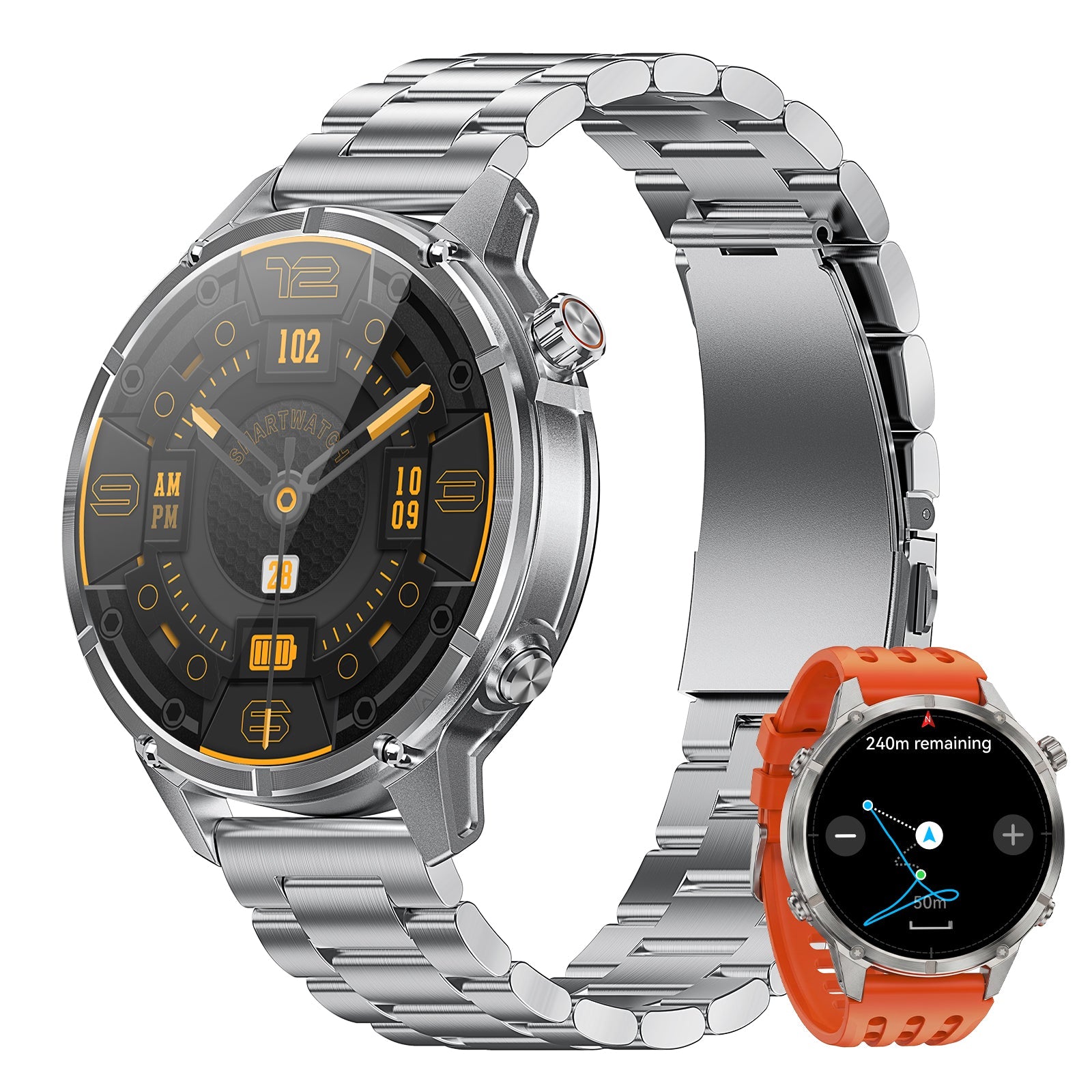
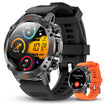
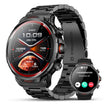
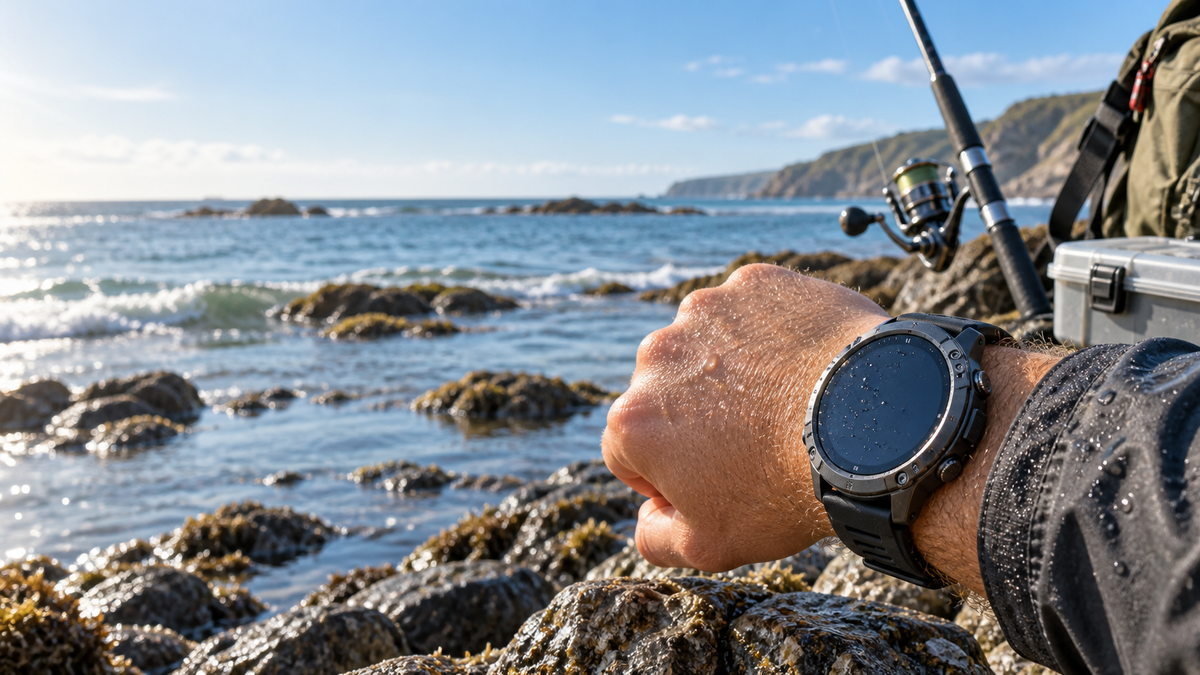
The WalkerFit Motion 6 GPS is positioned here for anglers who want built-in multi-system GPS, route recording, outdoor sensors, a 1.43-inch AMOLED display rated up to 1,000 nits, 5 ATM water resistance, four physical buttons and GloryFit Pro connectivity alongside everyday smartwatch use.
Those capabilities can support getting to a fishing spot, recording an outing and checking notifications. They do not confirm a built-in tide table, tide station database or independent tidal forecast. If tides are your deciding requirement, keep using a verified tide source and compare the watch only for the tasks it confirms.

Motion 6 GPS
WalkerFit Motion 6 GPS supports built-in multi-system GPS, route recording, compass, altimeter, barometer, 1.43-inch AMOLED display, 5 ATM water resistance and GloryFit Pro connectivity.
$129.90 $162.38

7. Tide Watch Buying Checklist
- Does it show high and low times, height, a graph, or only a simple cycle?
- How are stations selected, and are the stations relevant to your coast?
- Can you set the date, local time zone and daylight-saving behavior?
- Does it show tidal current, or only predicted water level?
- What works offline, and what requires phone sync or data service?
- Can you read and operate it with wet hands, gloves or polarized sunglasses?
- What are the water-use limits for buttons, saltwater and swimming?
- Does the product page explicitly confirm tides, or are you inferring it from “outdoor” or “marine” wording?
For a broader starting point, read Best Fishing Watch: What Anglers Should Look for in a Smartwatch, then compare the specific tide requirements above.
The Best Tide Watch Is the One With a Verifiable Local Source
A tide watch earns its place when it gives you a quick, understandable view of the right station at the right local time. A phone app remains useful when you need more stations, charts, forecasts or current information. A general GPS smartwatch can complement that setup, but it should not be described as a tide watch unless its tide function is explicitly documented.
For the WalkerFit Motion 6 GPS, the safe buying decision is straightforward: choose it for its confirmed GPS, outdoor-sensor and everyday smartwatch role, and keep a trusted tide source for tide-specific planning.
Frequently Asked Questions
Q1: Do tide watches really work?
They can provide useful predictions when the selected station, date and time zone are correct. They are a reference, not a guarantee of fishing success or water safety.
Q2: What is the difference between a tide watch and a tide app?
A tide watch prioritizes quick wrist access. An app usually offers broader station search, charts, updates and sharing, but depends more on the phone, battery and connection.
Q3: Does every smartwatch have tides?
No. Tide data is a separate capability. Verify the exact model, data source, station setup and sync requirements.
Q4: Can GPS tell me the tide?
No. GPS provides positioning or route information. Tide predictions come from a tide-data source tied to a location and time reference.
Q5: Is a high tide always the best time to fish?
Not necessarily. Species, habitat, weather, bait, access and current all matter. Use tide timing as context rather than a universal rule.
Continue the WalkerFit fishing series: best fishing watch buying guide · barometric pressure for fishing · how to read fishing tides · fishing forecast and calendar · best fishing apps · rugged waterproof smartwatch guide
Further reading: NOAA Tide Predictions Help · NOAA Tides & Currents · WalkerFit reviews and comparisons