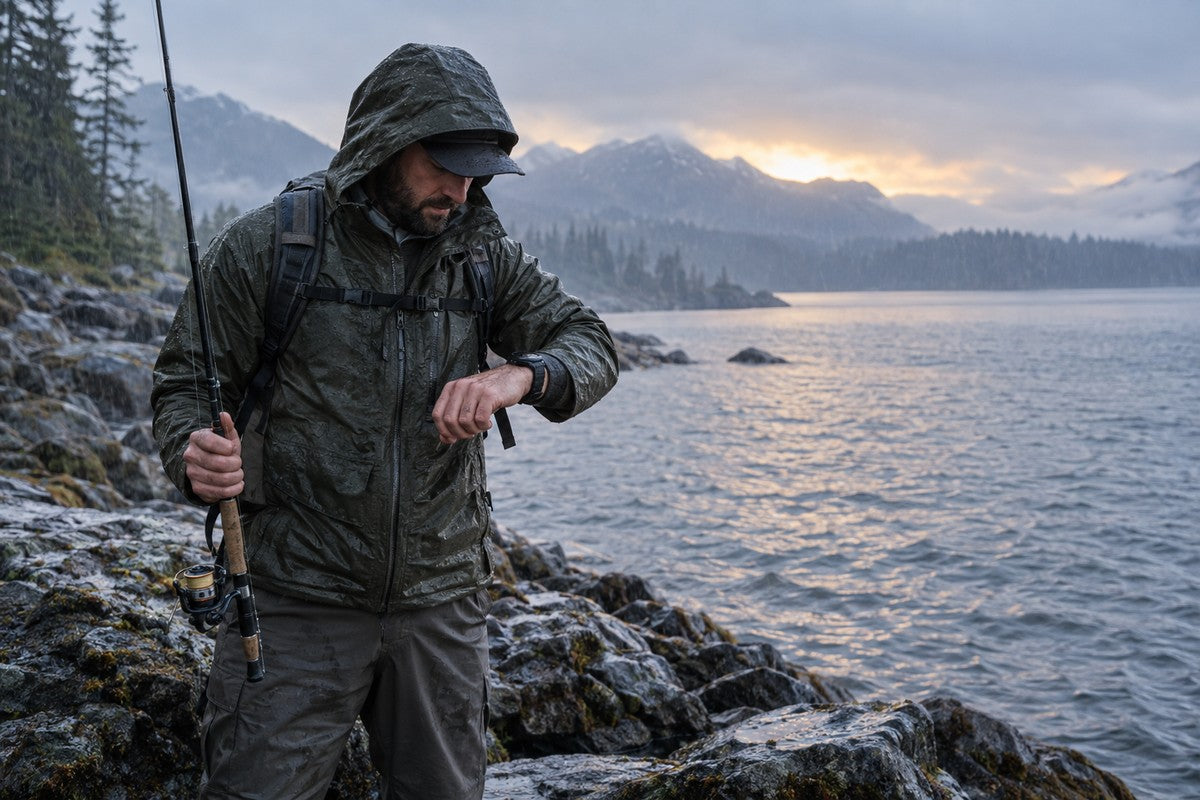


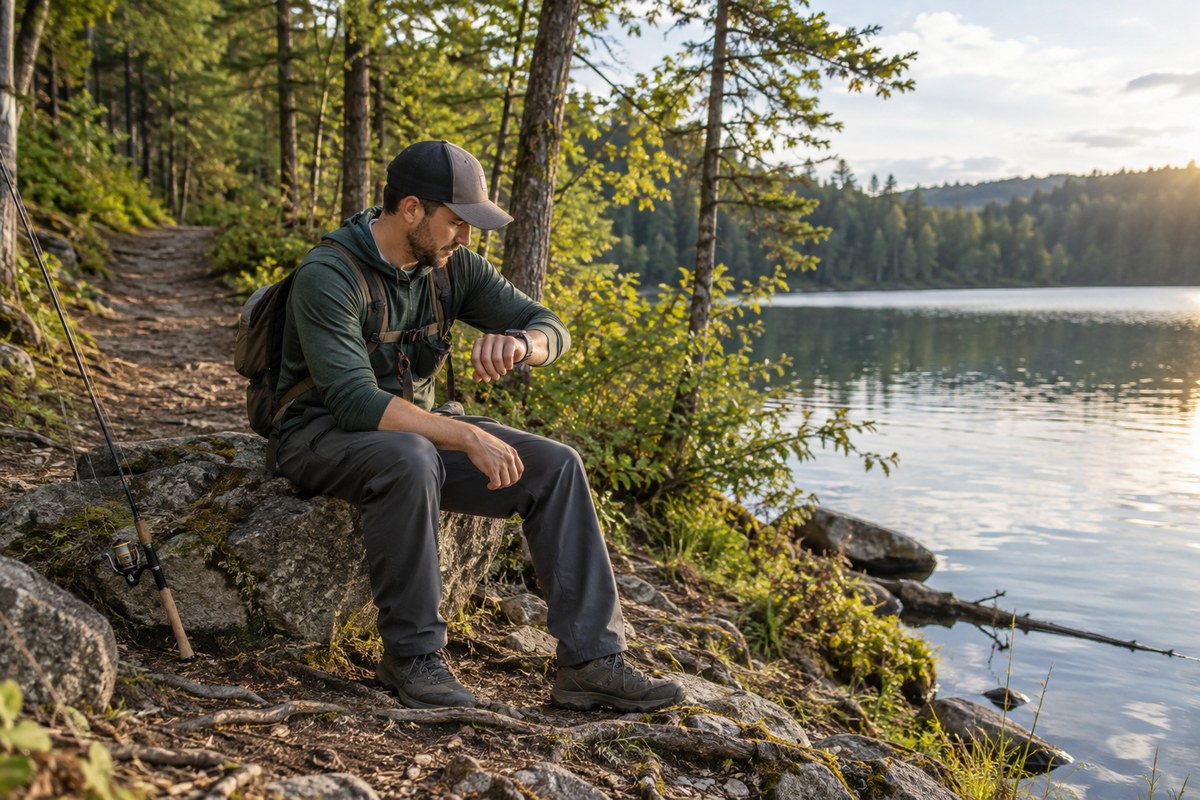
Short answer: use a GPS watch for convenient wrist-based route recording and a phone for detailed maps, research and communication. Use both when possible. Neither device becomes a fish finder or satellite communicator simply because it has GPS.
Key Takeaways
- Choose a watch when quick access and continuous route recording matter most.
- Choose a phone when you need large maps, search, sharing and current information.
- Use both when the phone can handle planning and the watch can reduce repeated phone checks.
- Verify maps, waypoints, backtracking, sonar and SOS separately; GPS alone confirms none of them.
1. Choose the Right GPS Setup
| If you mainly need to… | Start with | Verify before relying on it |
|---|---|---|
| Record a walk to the water | Built-in-GPS watch | The activity records a route without the phone |
| Study access and maps | Phone | Maps are downloaded and open offline |
| Record and plan | Watch + phone | Sync, battery and offline behavior |
| Navigate, detect fish or call for help | Purpose-built equipment | Documented maps, sonar or communication service |
2. GPS Confirms Positioning—Not Every Navigation Feature
As GPS.gov explains, a receiver uses satellite signals to calculate position and time. A device may then record a track, show a map, save a waypoint or guide a return—but each action is a separate feature.
3. Built-In GPS vs Connected GPS
Built-in GPS lets the watch calculate location without borrowing the phone’s receiver. Connected GPS uses a nearby paired phone for location. Connected GPS is fine when the phone always comes with you; built-in GPS is better when independent route recording is the goal.
Neither setup guarantees maps, weather or communication. Start the activity in open sky and wait for a location lock. Cliffs, dense cover and tall structures can reduce accuracy.
4. GPS Smartwatch vs Phone
A phone provides a larger screen, easier typing, broad app choice and stronger support for researching access, regulations, weather and satellite imagery. It is the better planning surface for most anglers. The disadvantages are equally familiar: wet or muddy hands, glare, a fragile exposed screen, repeated pocket access and the temptation to treat an online map as available everywhere.
A GPS smartwatch reduces friction. You can start and stop recording, glance at elapsed time or direction and keep the phone protected. Physical buttons can be easier than a wet touchscreen. The tradeoff is screen size and feature depth. Even when a watch supports maps, it may show less detail than a phone. When it does not support maps, a route trace or compass is useful but should not be described as a miniature phone.

| Task | GPS watch advantage | Phone advantage | Best practice |
|---|---|---|---|
| Pre-trip planning | Quick review of basic activity settings | Large maps, search, regulations, weather and sharing | Plan on the phone; save essential details before departure |
| Moving to the spot | Wrist access and continuous recording | Detailed map context and alternate-road research | Use the watch for glanceable data and phone for map interpretation |
| Hands wet or dirty | Physical controls and no need to expose the phone | Larger controls once hands are dry | Keep the phone protected; clean hands before handling it |
| Review after fishing | Recorded activity summary | Comfortable analysis, notes, photos and sharing | Sync and add context after the trip |
| Communication | Connected notifications on supported setups | Calls, messages and emergency information where service exists | Do not assume a GPS-only watch replaces a phone or communicator |
5. Prepare for Offline Use
Satellite positioning can work without cellular data, but map tiles, search, weather and sharing may not. Download the full approach and exit area, then open it in airplane mode. A built-in-GPS watch may record a route offline, while detailed review and syncing happen later.
Offline readiness check
- Download maps for the entire approach and exit—not only the fishing spot.
- Open the map while offline and confirm the intended zoom level is present.
- Record legal parking, launch and turnaround information separately.
- Charge both devices and understand how continuous GPS affects battery life.
- Tell someone the destination and return time when the trip goes beyond ordinary local access.
6. Use the Phone to Plan and the Watch to Record
Before fishing, use the phone for access, weather, tides, regulations and map downloads. During the trip, keep it protected and use the watch for quick checks and route recording. Afterward, sync and add notes about actual conditions and results.
7. Sonar and SOS Require Separate Hardware
A fish finder needs sonar hardware and a transducer; GPS cannot see fish or underwater structure. Sending an SOS requires a communication path and supported service. Never infer sonar or rescue capability from a GPS logo.

8. Where Motion 6 GPS Fits
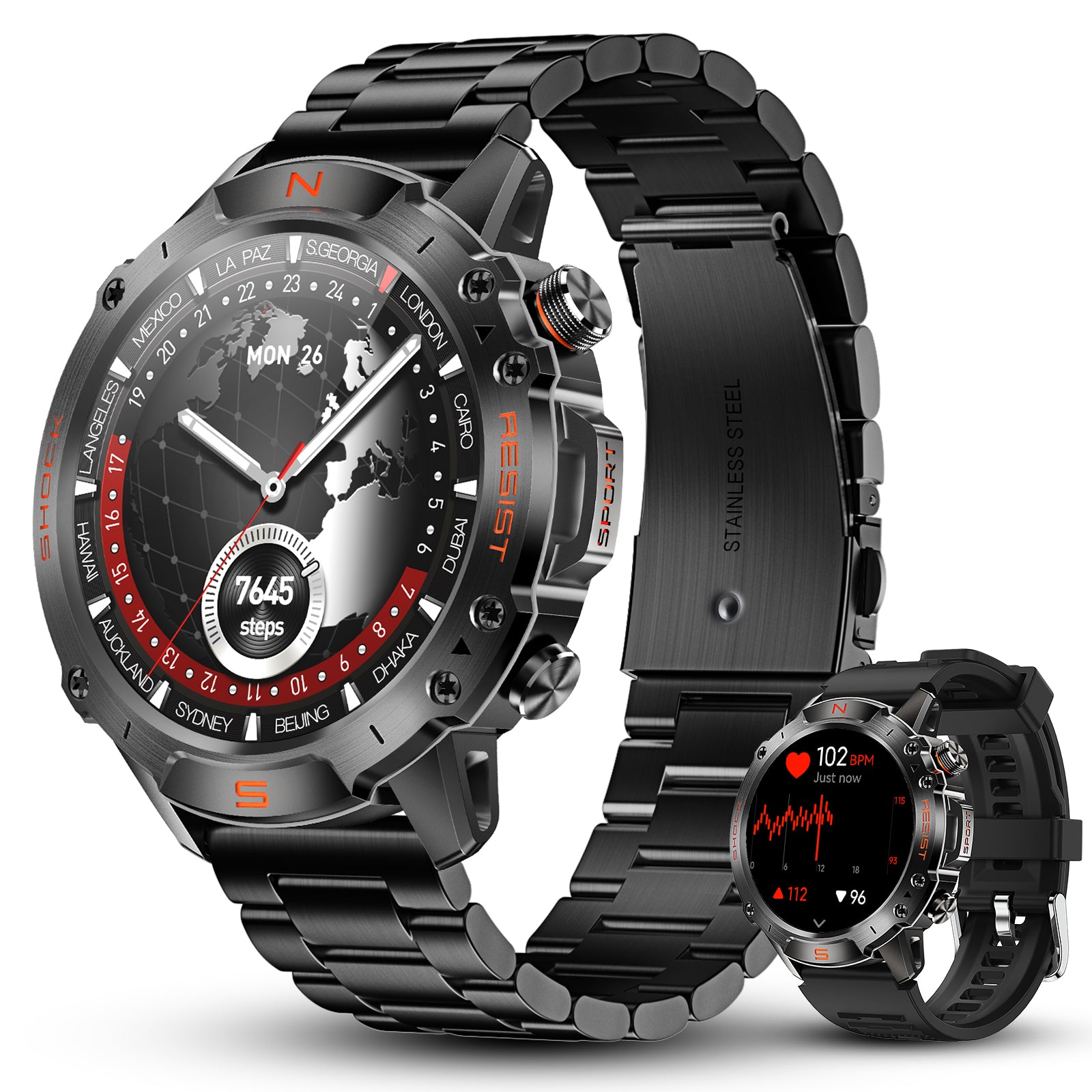
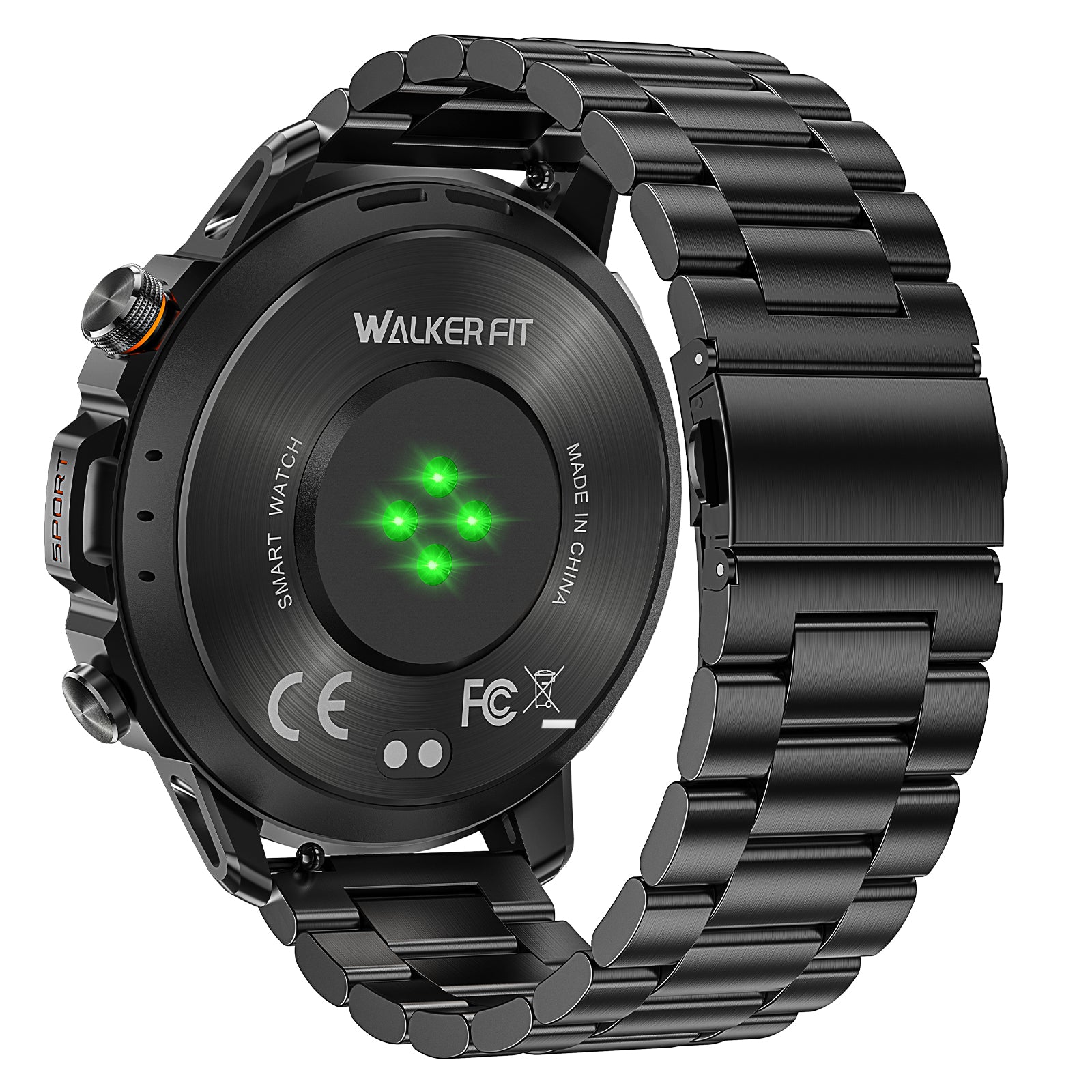
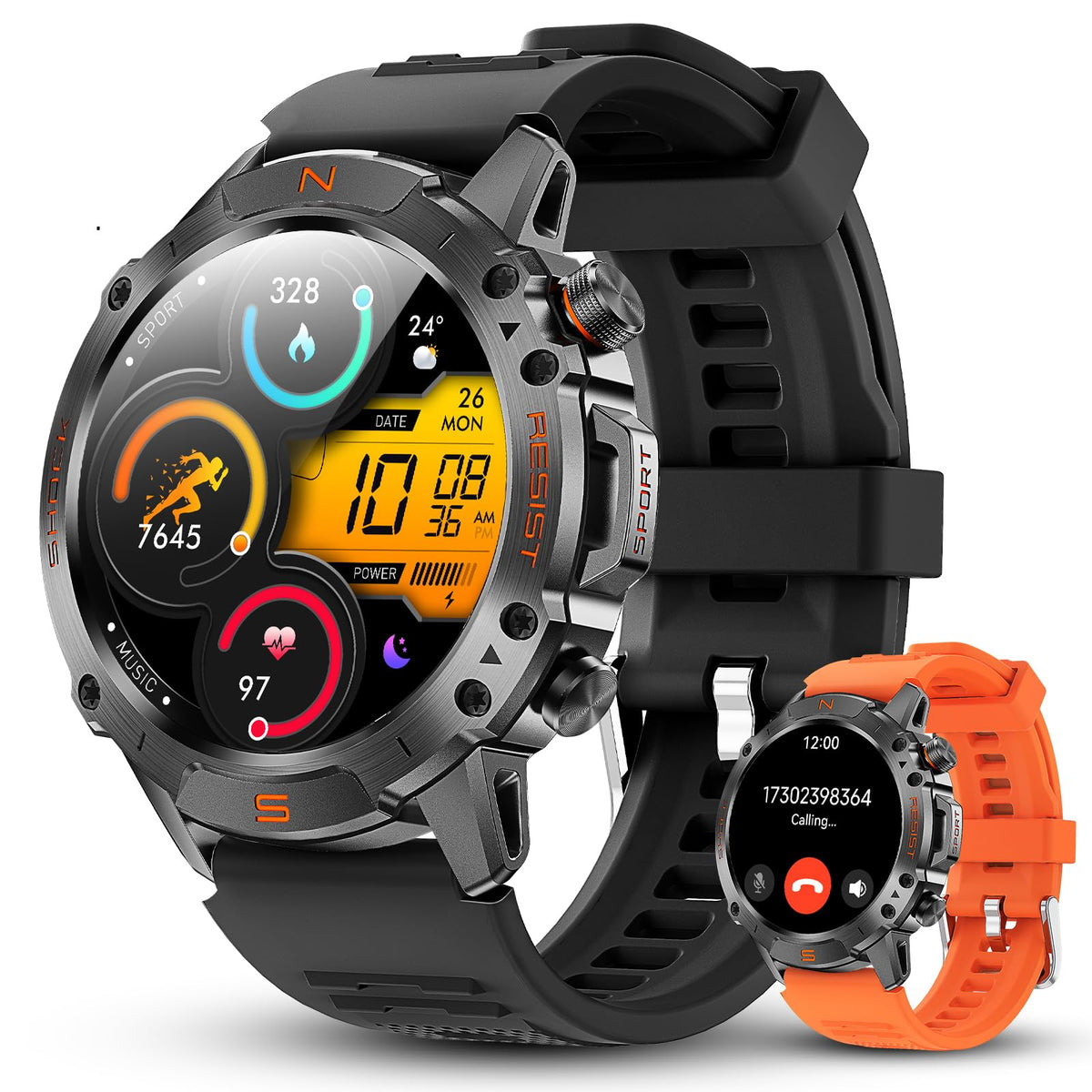
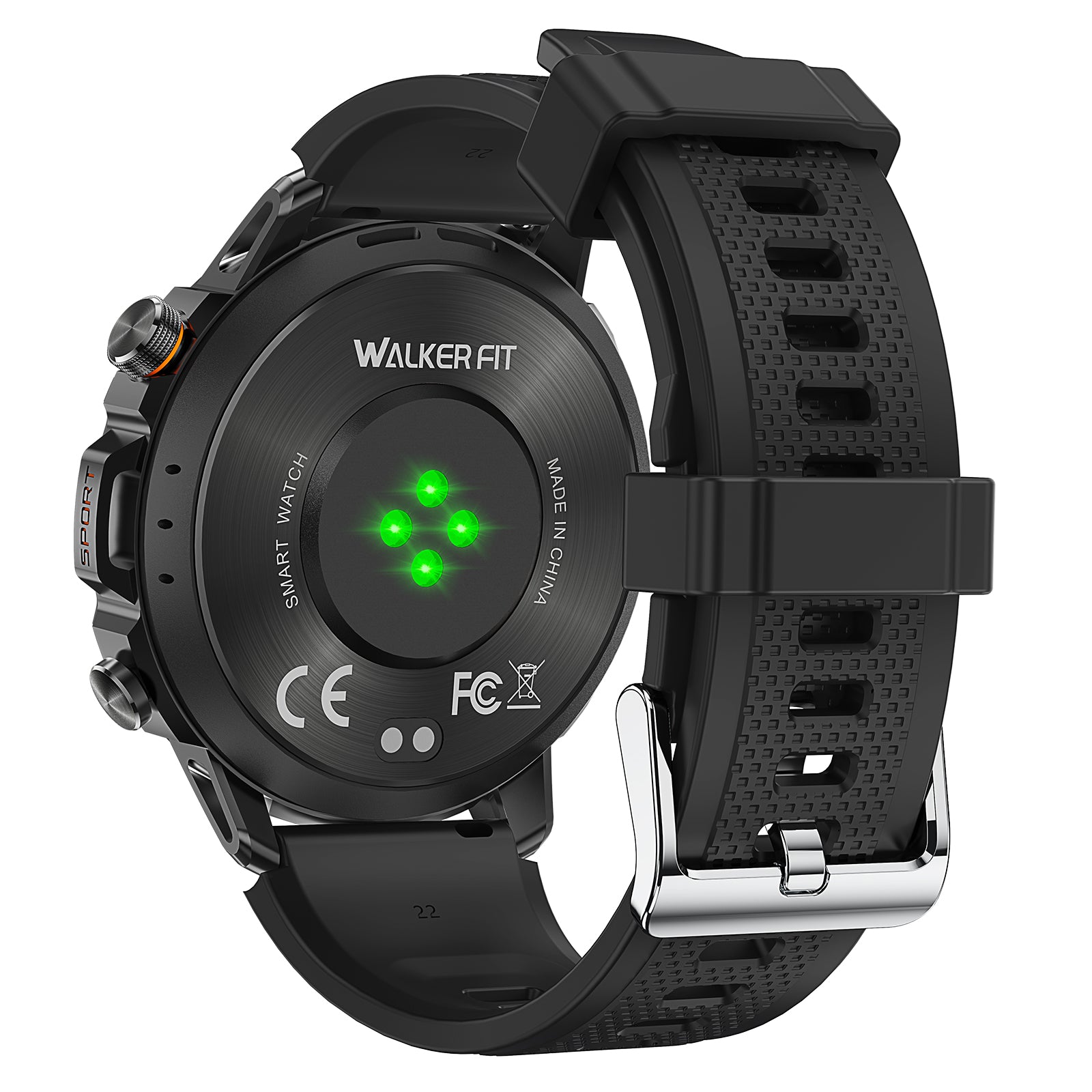
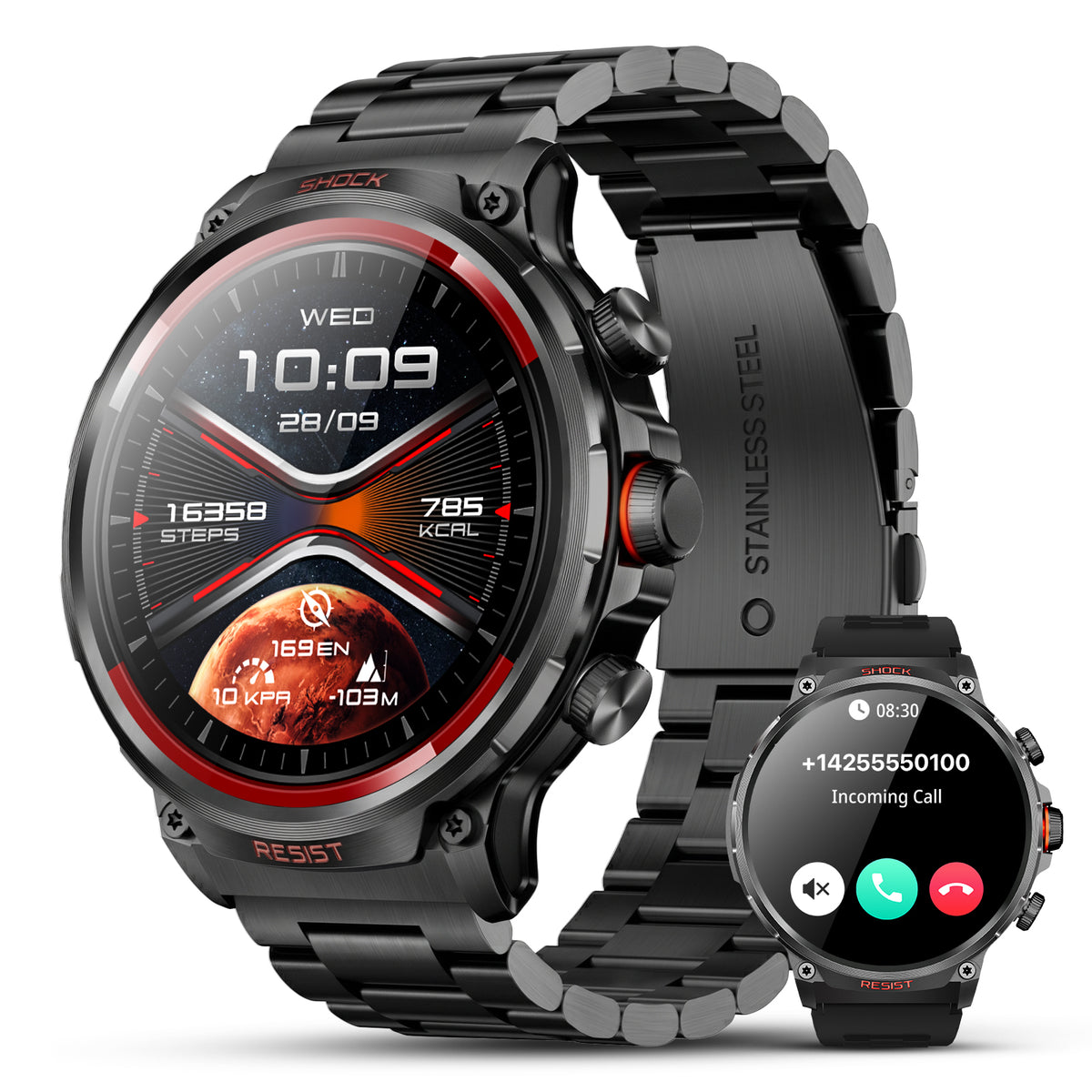
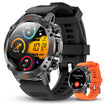
The WalkerFit Motion 6 GPS provides built-in multi-satellite GPS, route recording, compass, altimeter and barometer. It is an outdoor activity watch—not a marine chartplotter. This article does not claim offline maps, waypoint navigation, backtracking, sonar or satellite SOS.

Motion 6 GPS
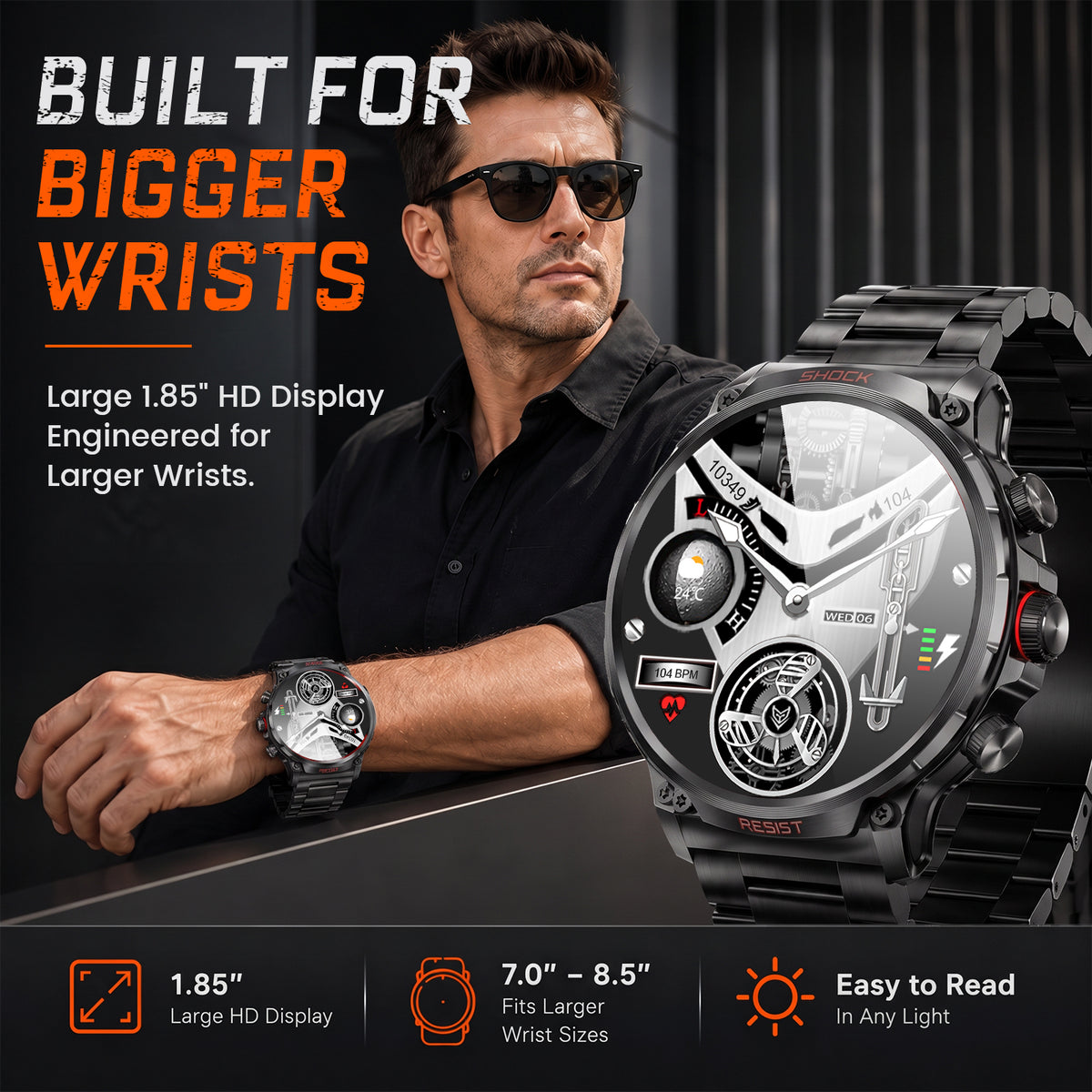
Built-in multi-satellite GPS and route recording, plus compass, barometer, altimeter, 1.43-inch AMOLED display, four physical buttons and 5 ATM water resistance.
$129.90$162.38
For the full fishing-oriented buying framework, read what anglers should look for in a smartwatch. You can also browse WalkerFit outdoor watches, use the watch comparison page or review the product and setup FAQs.
9. The Practical Verdict
A phone is usually the more capable planning and mapping computer. A GPS smartwatch is the more convenient glance-and-record tool. Built-in GPS lets a watch calculate location without borrowing the phone, but it does not automatically add maps, waypoints, backtracking, fish detection or emergency communication.
For many anglers, the strongest arrangement is simple: plan and download on the phone, record and glance on the watch, and carry dedicated equipment when the trip requires navigation, sonar or rescue communication beyond either consumer device. Buying by function—not by the GPS badge—produces the safer and more useful setup.
Frequently Asked Questions
Q1: Does a GPS watch work without a phone?
A watch with built-in GPS can calculate and record location without borrowing a phone's receiver. Other features such as map downloads, weather, notifications, syncing or communication may still require a phone, data connection or prior setup.
Q2: What is the difference between built-in GPS and connected GPS?
Built-in GPS uses a receiver inside the watch. Connected GPS uses location supplied by a nearby compatible phone, so the phone must be present, paired and allowed to share location.
Q3: Does route recording mean a watch can guide me back?
No. Recording a route or track stores where you moved. Guidance back to the start or along the traveled path is a separate function that must be specifically documented.
Q4: Can a phone GPS work without cell service?
A GPS-enabled phone can obtain a satellite position without cellular service, but maps, search, weather and sharing may require downloaded data or a network. Download and test maps before the trip.
Q5: Can a GPS smartwatch find fish?
GPS does not detect fish. A fish finder uses sonar hardware and a compatible transducer. A watch or phone may display data from separate equipment, but it is not a fish finder by itself.
Q6: Does GPS mean a watch can send an SOS?
No. GPS calculates location; sending an SOS requires a separate communication method, supported service and documented emergency workflow. Verify the exact device, network, country and subscription.
Q7: Does Motion 6 GPS include offline maps, waypoints or backtracking?
This article does not claim those functions. Confirmed capabilities include built-in multi-satellite GPS and route recording, compass, altimeter and barometer. Buyers who need offline maps, waypoint guidance or backtracking should choose a model that explicitly documents them.
Continue Reading
- Best Fishing Watch: What Anglers Should Look for in a Smartwatch
- Fishing Forecast and Calendar: Is Today a Good Day to Fish?
- Fishing Tides: How to Read Tide Tables and Plan Your Trip
- Tide Watch for Fishing: What It Shows and When You Still Need an App
- Barometric Pressure for Fishing: How to Read Trends on a Watch