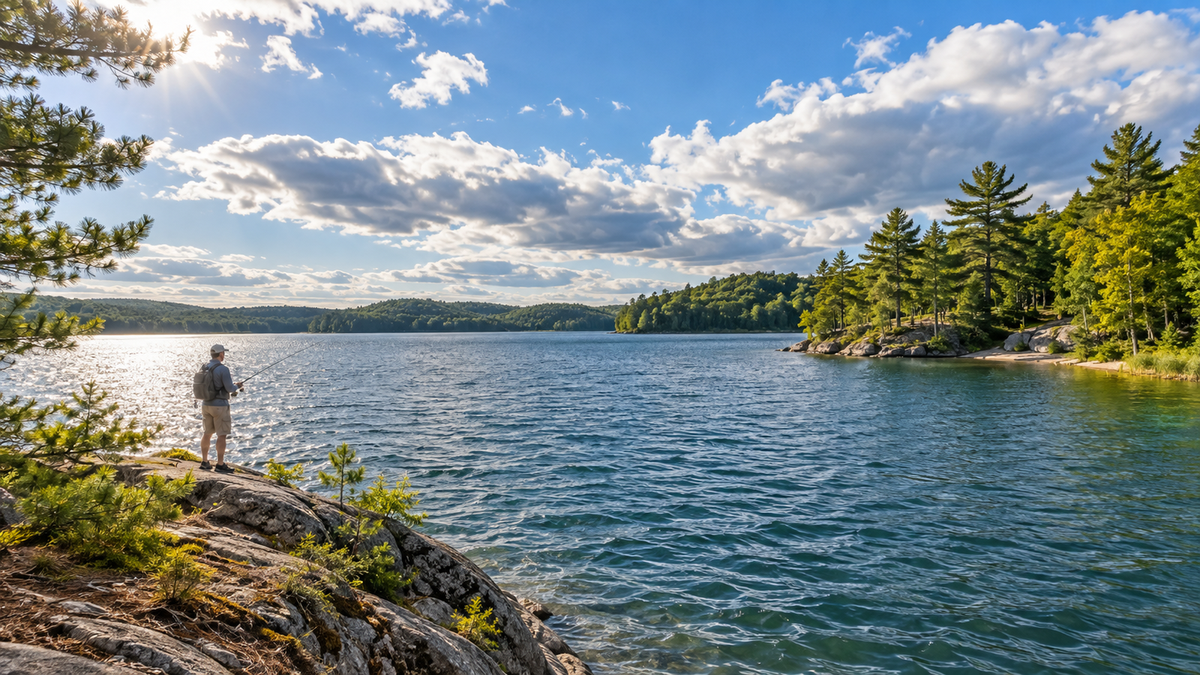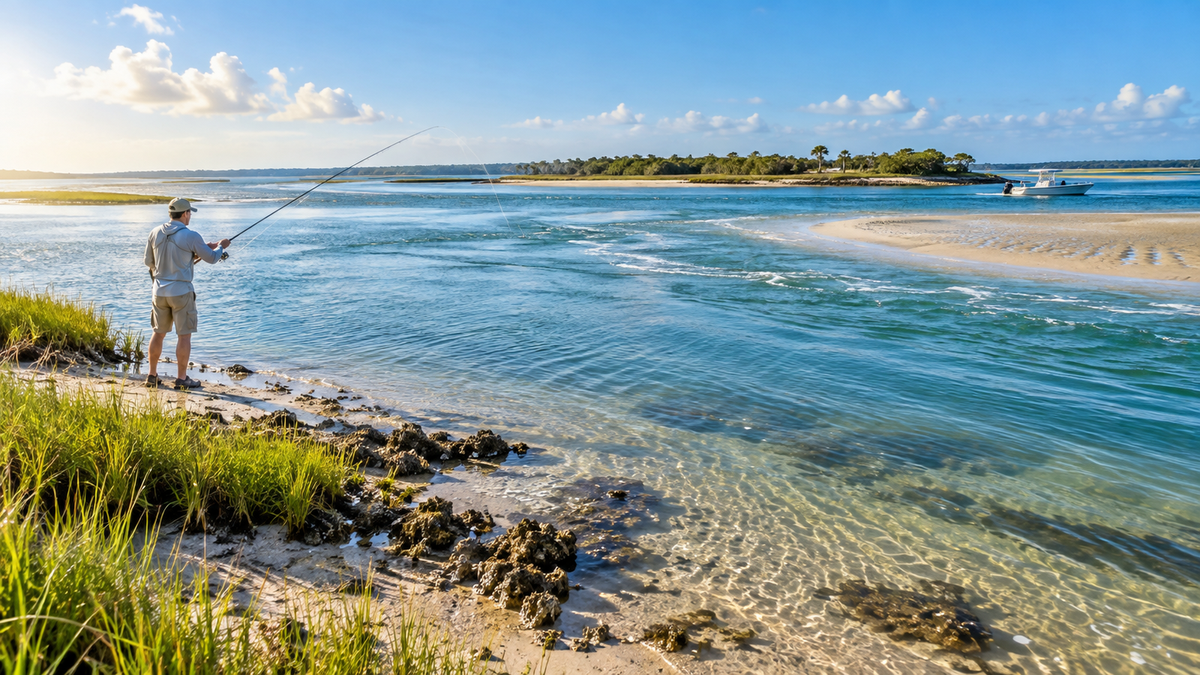


A fishing journal should answer your next question
A catch photo proves that one fish was there. A fishing journal helps you understand why the whole trip worked—or did not. It connects place, time, water, weather, method, and result. That record can answer practical questions: Did this creek produce only on moving water? Did the bite happen before the wind rose? Was the successful lure useful, or did it work only once?
The best log is not the longest. It is the one you can complete after every trip. A page filled with ten clear facts is better than a detailed template used twice and forgotten.
Blank trips belong in the record. If you save only good catches, every pattern looks stronger than it really is. A day with no bites may show that the water was muddy, the access was poor, the wind changed, or the fish were not using that area.
What should you record in a fishing journal?
| Field | What to write | Why it helps |
|---|---|---|
| Date and time | Start, finish, and key catch times. | Separates season and time-of-day patterns. |
| Place | Water body and a useful area name or private waypoint. | Lets you compare spots without exposing them publicly. |
| Weather | Cloud, wind, rain, air temperature, and major changes. | Shows the full setting instead of one pressure number. |
| Water | Temperature if measured, clarity, level or tide stage, current. | Explains habitat and fish position. |
| Method | Bait or lure, color, size, rig, depth, retrieve. | Makes a successful setup repeatable. |
| Catch | Species, approximate size, time, depth, cover, released or kept. | Links the result to the exact situation. |
| Effort | Hours fished, area covered, bites, fish landed. | Stops one lucky fish from distorting the trip. |
| One lesson | A short sentence about what to repeat or change. | Turns notes into a next action. |
New Mexico Department of Game & Fish recommends recording details such as date, location or GPS coordinates, time, air and water temperature, wind, weather, rig, lure or bait, species, length, and weight. South Carolina DNR also suggests keeping both successful and unsuccessful trips, with tide stage, water color, catch time, depth, and habitat where relevant.
A useful entry can fit on one screen
This entry is short, but it holds a time window, location, weather, water movement, method, result, and next step. If you return during a different tide or wind, you have a clean comparison.
Photos can support the entry. Take one wide photo of the water, one of the lure or rig, and one catch photo when handling the fish safely. A photo should not replace the written details. Camera timestamps do not explain tide stage, water clarity, or what failed before the catch.

Paper notebook, spreadsheet, or fishing app?
Paper is fast and distraction-free
A small waterproof notebook works without a signal or battery. It is easy to sketch a bank, mark a current seam, or write with wet hands. The weakness is search. After a season, you must review pages by hand.
A spreadsheet makes comparison easy
A spreadsheet is useful when you want to filter by month, water body, lure, wind direction, or tide stage. Keep each trip on one row. Use simple dropdowns for repeated fields. Do not build a complicated dashboard before you have enough records to learn from.
An app can save location and photos
A fishing app may combine photos, weather, maps, and catch details. Check its privacy settings before storing exact spots. Also confirm whether you can export your data. Your fishing history should not become trapped if an app changes or closes.
A mixed method often works best: quick paper or phone notes at the water, then one clean digital entry at home.
Keep field names stable for a full season. If one trip says “light wind,” another says “breezy,” and a third uses only a number, later comparison becomes harder. Choose a small set of terms and add a short note when conditions do not fit. The same rule applies to water clarity, tide stage, lure type, and habitat. Consistent labels turn ordinary notes into information you can sort and trust.
Use a three-minute after-trip routine
- Save the facts. Enter time, place, conditions, method, and result before driving home or as soon as you stop safely.
- Add one photo. Choose the image that best shows water or structure, not only the largest fish.
- Write one sentence. State what you would repeat and what you would change.
- Tag the trip. Use a few consistent tags such as shore, kayak, incoming, muddy, cold front, or topwater.
Avoid writing a story every time. Long notes are welcome when something unusual happens, but a repeatable minimum protects the record.
Review patterns without fooling yourself
Review the journal every month or after five to ten trips. Group similar places and seasons. Compare catch rate with effort, not just total fish. Two fish in one hour may be more useful than three fish in eight hours.
Look for repeated combinations. Perhaps a point works with a moderate crosswind but not a direct wind. Maybe the creek mouth improves during the first part of outgoing water. Perhaps a lure color appears successful only because you used it most often.
Do not confuse correlation with a guarantee. A falling barometer may appear beside several good trips because a front also brought wind, cloud, and changing light. Your notes should help you form a better plan, then test it again.

Protect exact fishing locations
Use a private waypoint name instead of putting precise coordinates into every public photo or shared screenshot. Turn off location metadata before posting when needed. For a sensitive small water, a broad zone such as “north creek mouth” may be enough for your journal. Keep exact route data in a private account or local file.
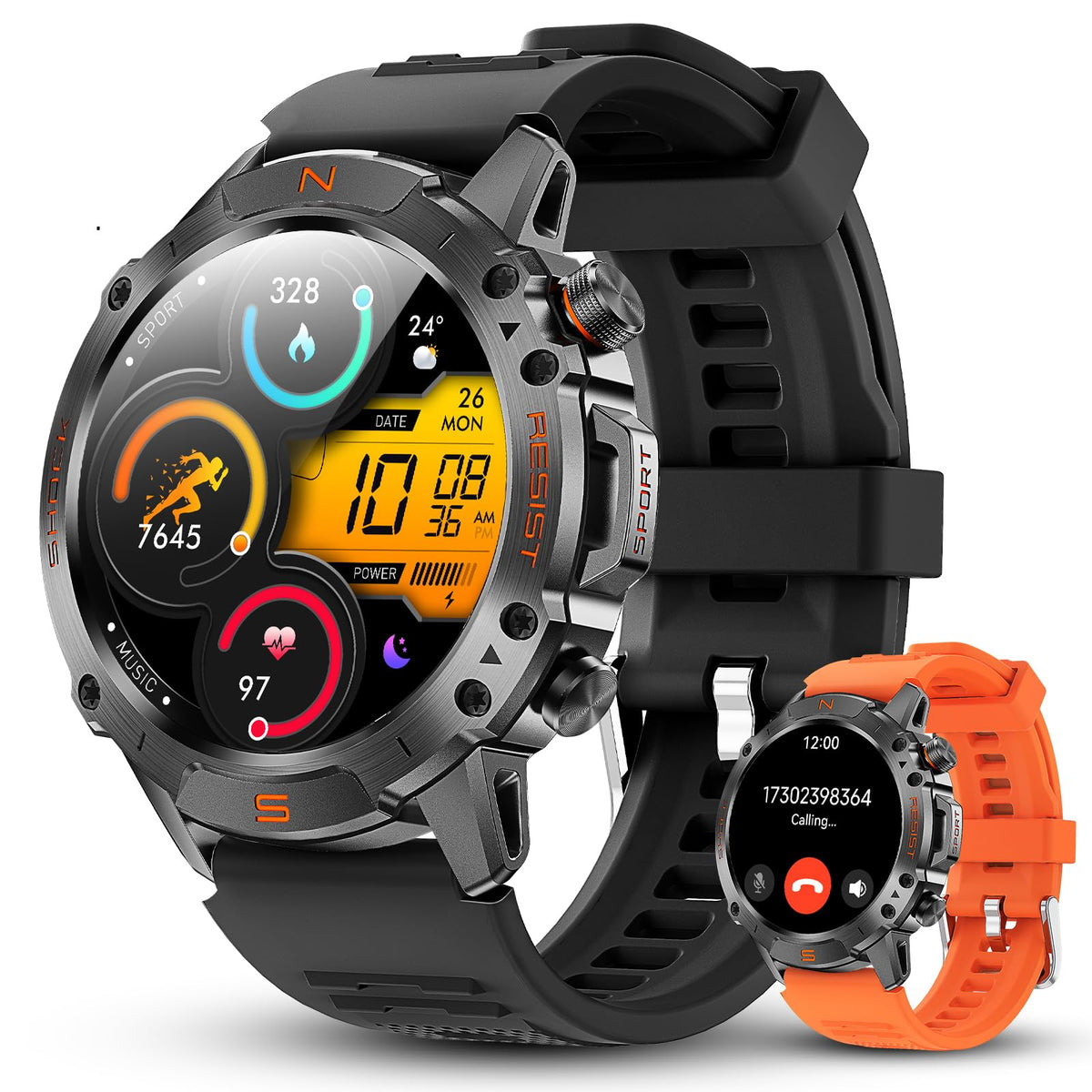
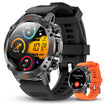
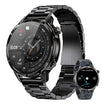
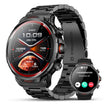
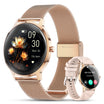
What Motion 6 GPS can add to your log
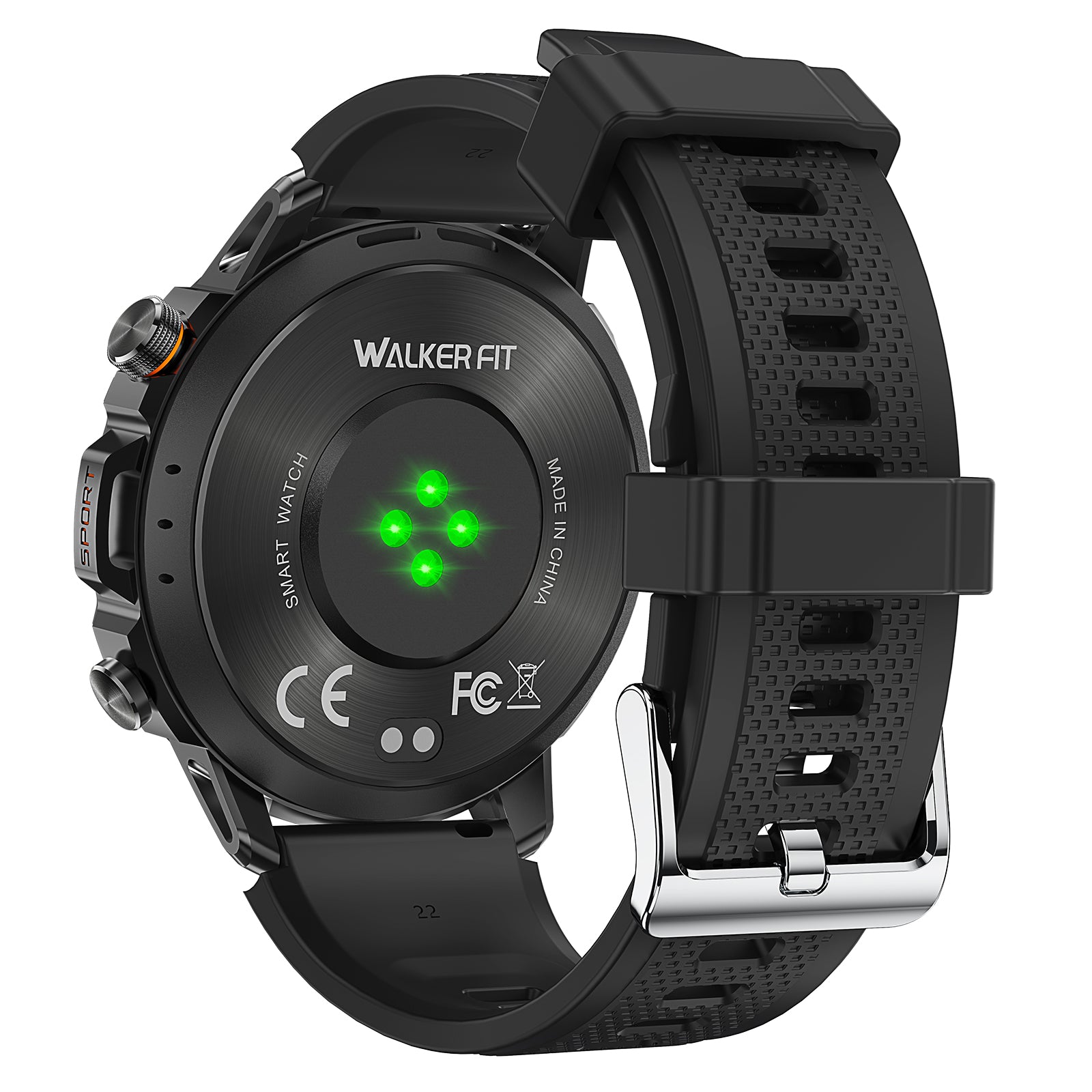
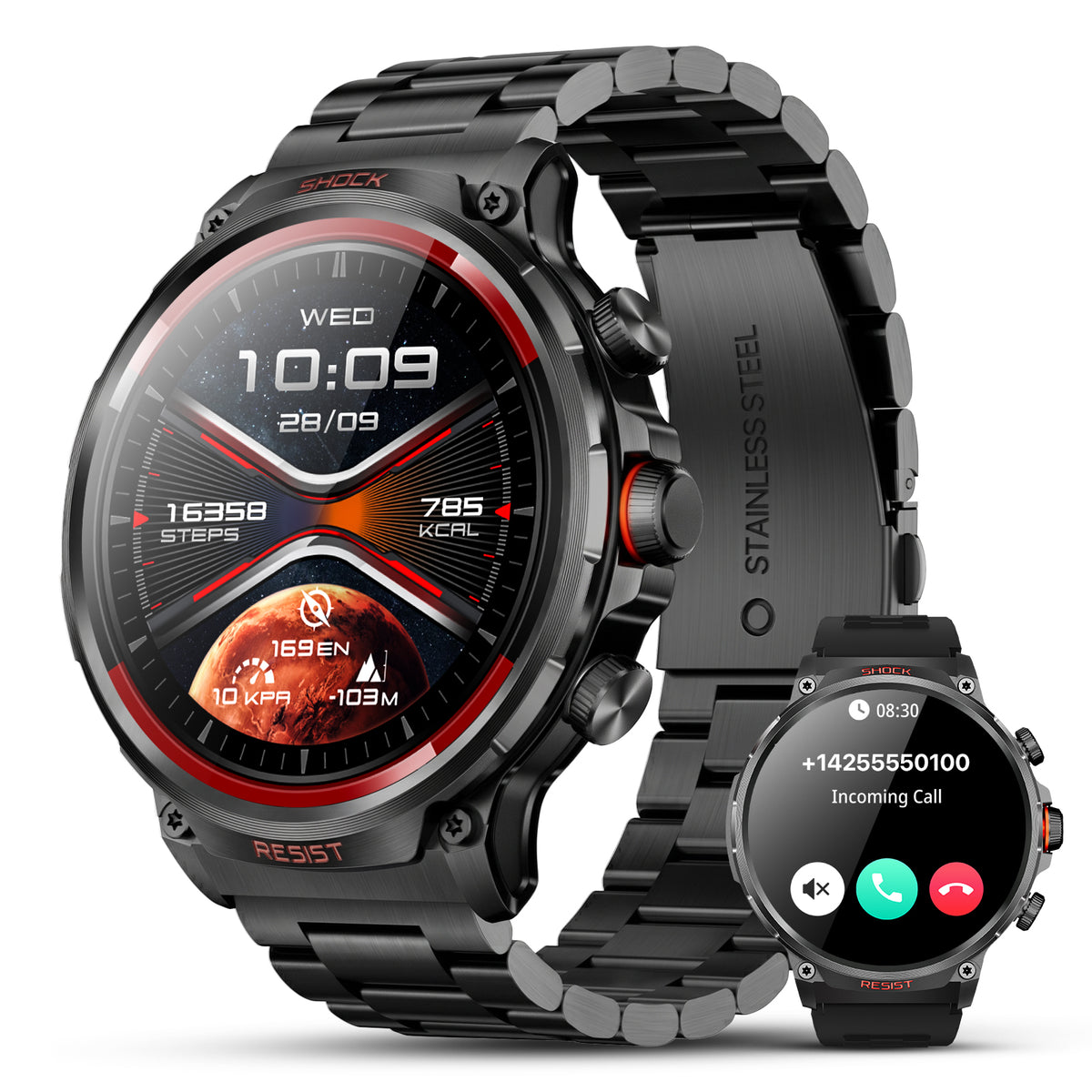
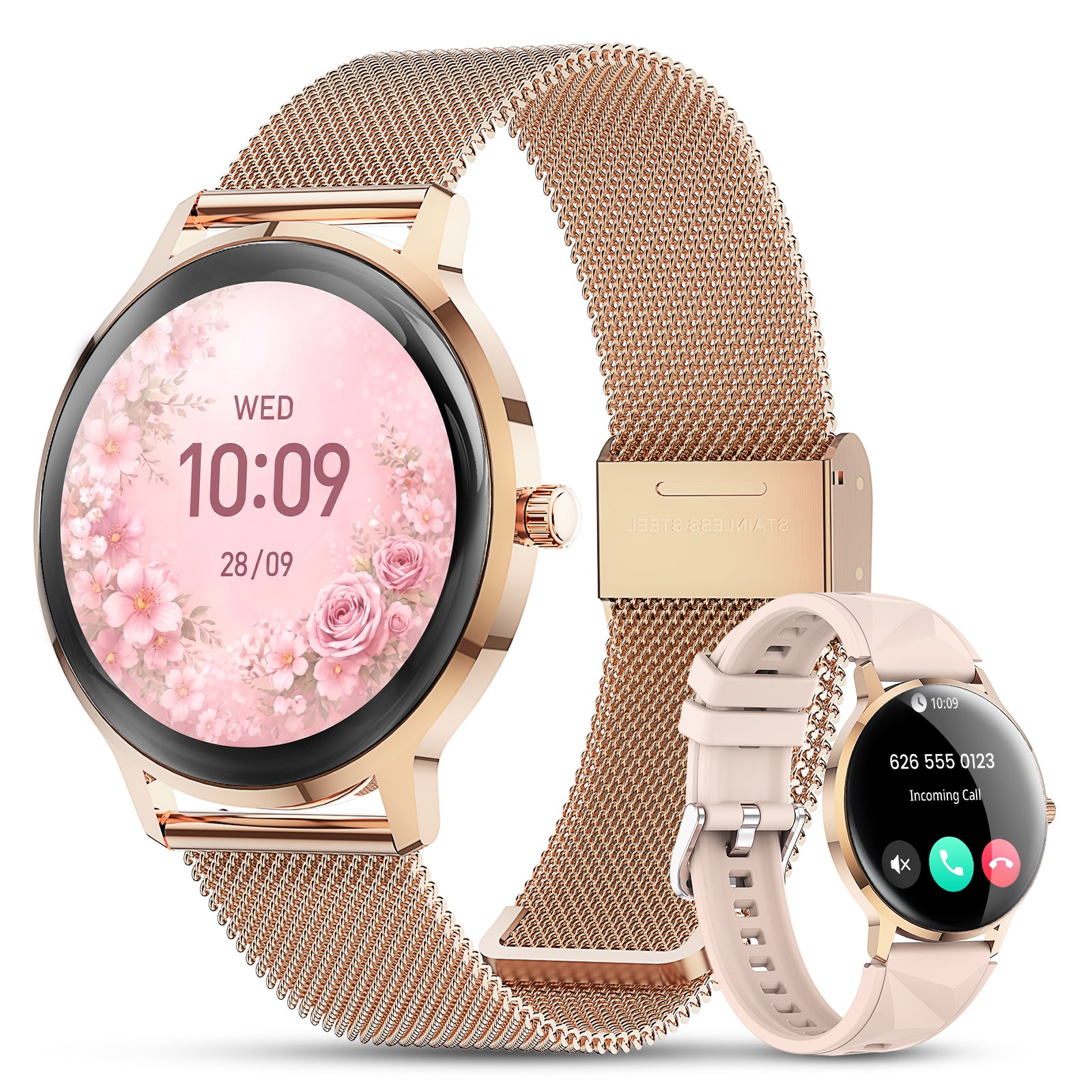
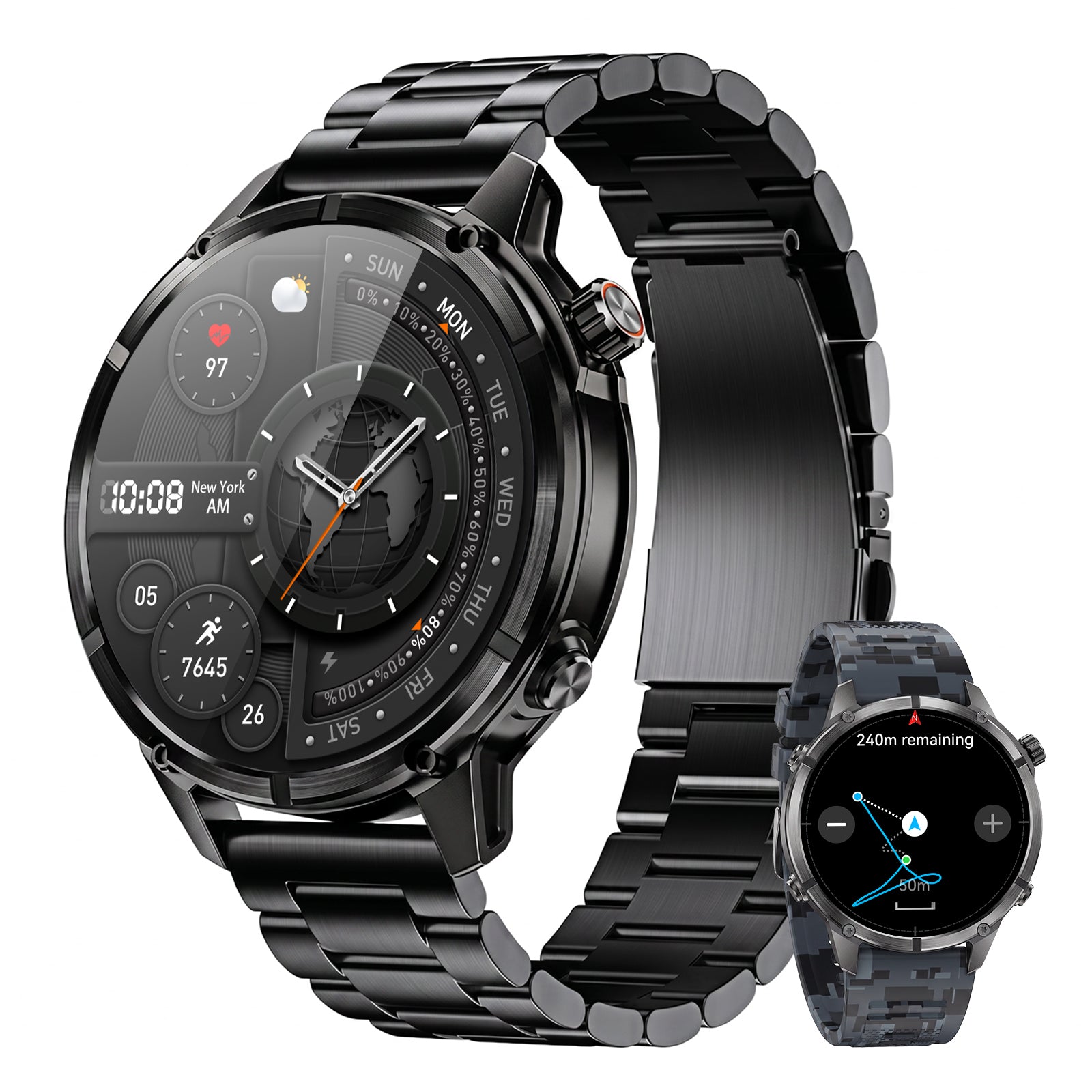
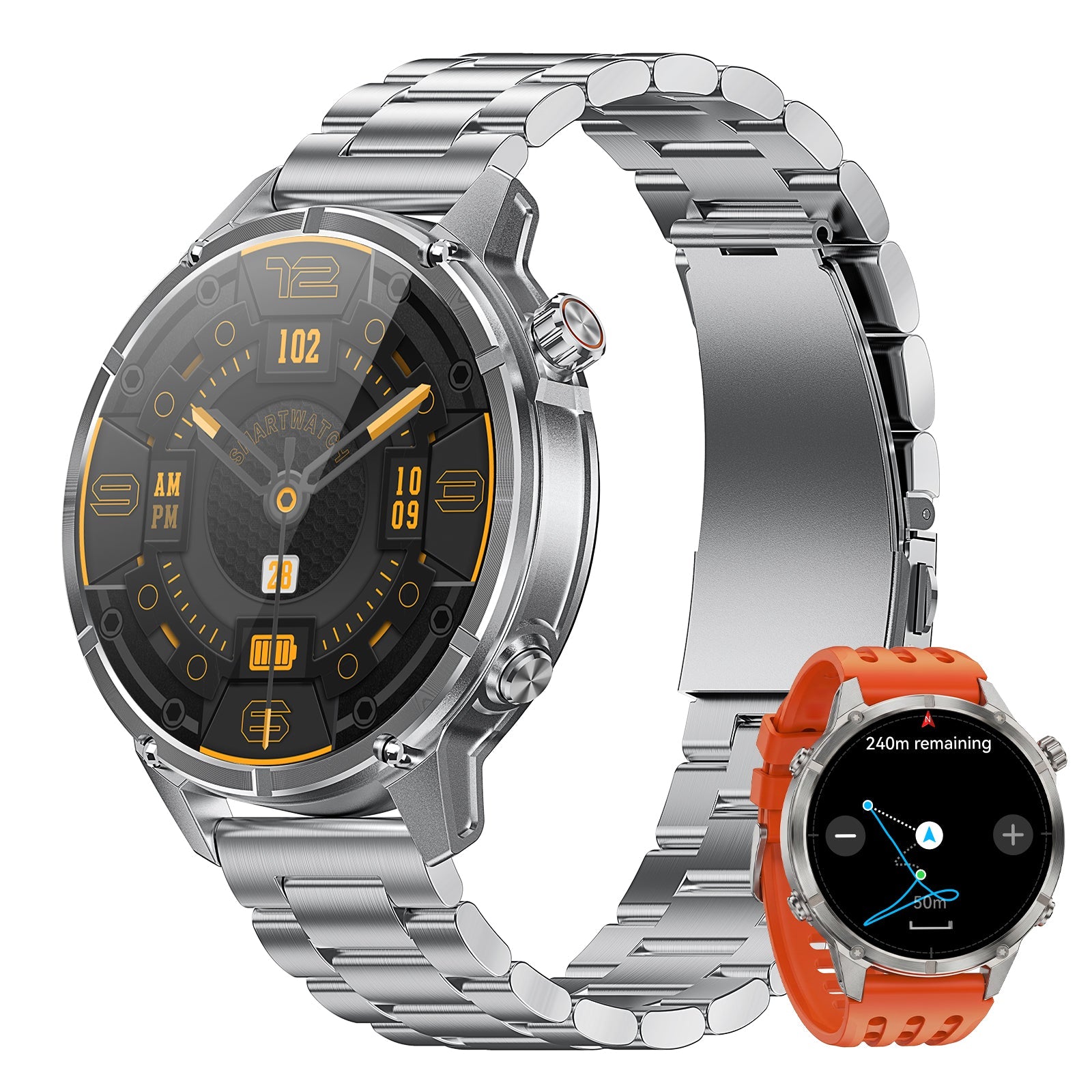
A smartwatch should not pretend to write the catch entry for you. It can reduce the details you must remember. Route, time, direction, activity, and local pressure or altitude context can support the note you create later.

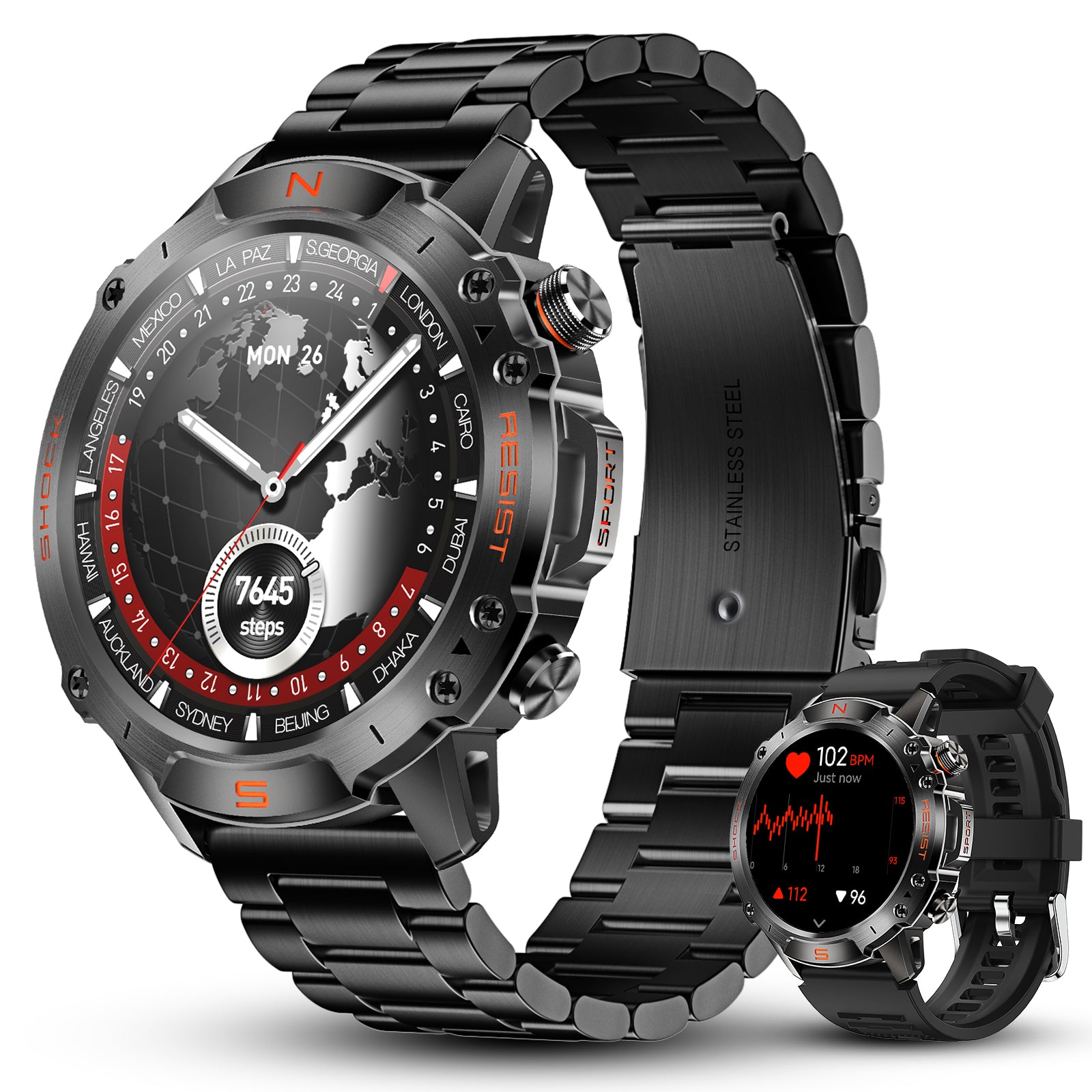
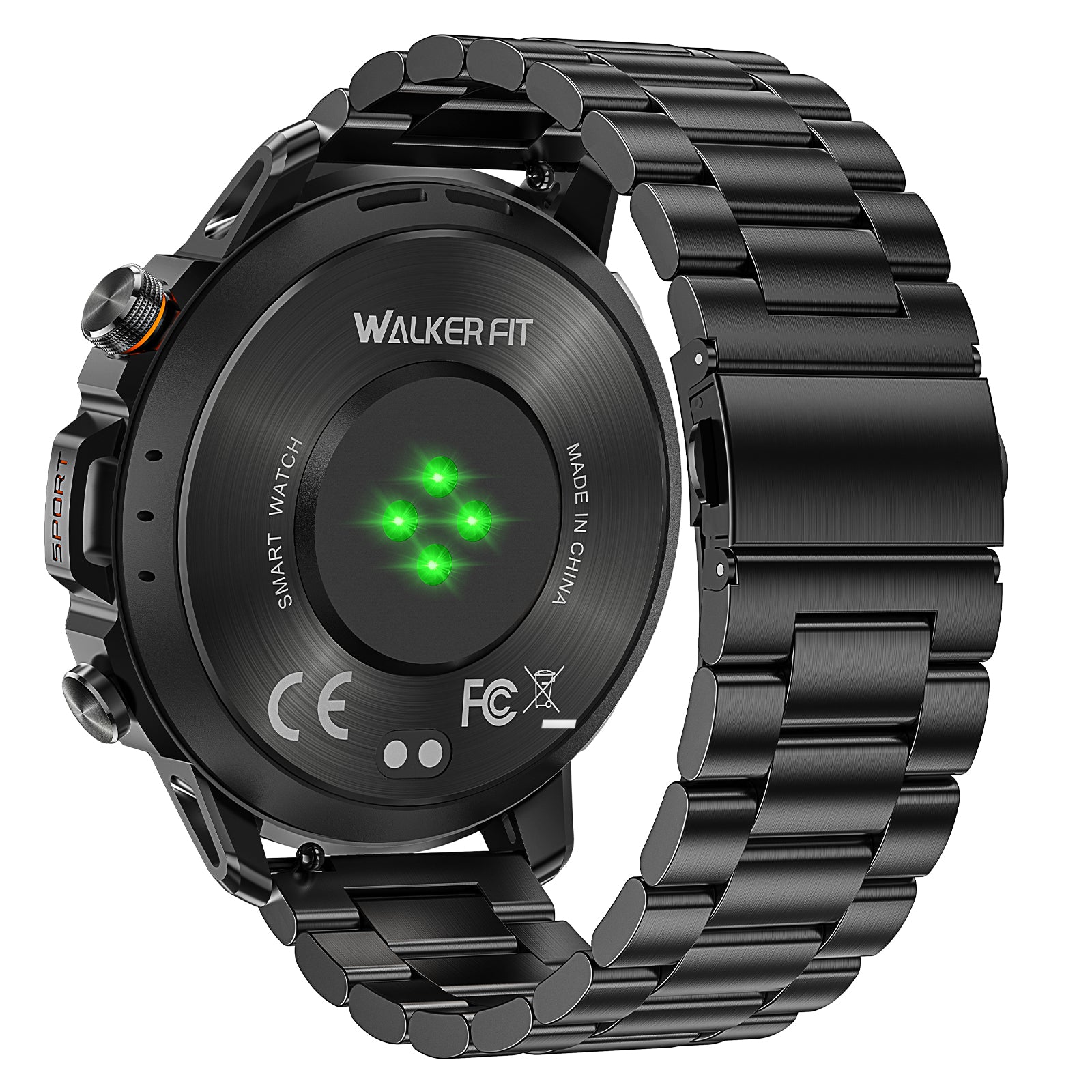
Motion 6 GPS
Record a route and keep time, direction, barometric pressure, altitude, health, activity, sleep, calling, music, and notifications on one everyday outdoor watch.
$129.90
Start route recording when you leave the access point. Mark the key time in a quick phone note when something changes. At home, combine the route and observed conditions with your catch details. For forecasts, maps, tide tables, and the final journal database, keep using the phone or tool built for that job.
Frequently asked questions
Should I record trips when I catch nothing?
Yes. Blank trips show which conditions and places did not work and prevent your journal from becoming a collection of only lucky results.
Do I need to record barometric pressure?
It can be useful as one field, especially as a trend. Record wind, cloud, temperature, rain, water, and effort too, so pressure is not treated as a bite switch.
Is a paper log better than an app?
Neither is always better. Paper is simple and reliable. Apps and spreadsheets are easier to search. Choose the method you will use consistently and can export or keep safely.
How do I keep fishing spots private?
Use private waypoint names, review app privacy settings, remove location metadata from shared photos, and avoid publishing exact coordinates.